





Alternate Journey Path — Wavy Zig-Zag Steps
Steps switch left and right along a soft wavy line.
How to use: add the Journey Path block and choose alternate · soft · wave in its style settings
What you can customize in this widget
এক বয়াম হানিনাট — ৫টি ধাপের যত্ন
ভালো বাদাম আর খাঁটি মধু এক বয়ামে আসার আগে কোন কোন হাত পেরিয়ে আসে, একবার দেখে নিন।
 ধাপ ০১ · বাছাই
এ-গ্রেড কাঠবাদাম ও কাজু বাছাই
বাজারের সবচেয়ে বড় আর তাজা দানাগুলো আলাদা করে নেওয়া হয় — ভাঙা বা কালচে দানা শুরুতেই বাদ।
- ভাঙা দানা বাদ
- শুধু নতুন মৌসুমের বাদাম
৩ বারহাতে বাছাই ধাপ ০২ · হালকা রোস্ট
কম আঁচে ধীরে রোস্ট
আখরোট আর পেস্তা কম আঁচে রোস্ট করা হয়, যাতে কুড়মুড়ে ভাব আসে কিন্তু পুষ্টি নষ্ট না হয়।
- তেল ছাড়া রোস্ট
- পোড়া গন্ধ নেই
১২০°নিয়ন্ত্রিত তাপ ধাপ ০৩ · মধু
সুন্দরবনের খাঁটি মধু মেশানো
চিনি বা সিরাপ নয় — শুধু প্রাকৃতিক মধুতে বাদামগুলো ডুবিয়ে রাখা হয় পুরো একটা রাত।
- চিনি মেশানো হয় না
- মধু আগে ল্যাবে যাচাই
১০০%প্রাকৃতিক মধু ধাপ ০৪ · প্যাকিং
এয়ারটাইট কাচের বয়ামে ভরা
বাতাস ঢুকতে পারে না এমন বয়ামে ভরা হয়, তাই মাসের পর মাস স্বাদ একই থাকে।
- ফুড-গ্রেড কাচ
- সিল করা ঢাকনা
৮০০ গ্রামপ্রতি বয়াম ধাপ ০৫ · ডেলিভারি
ক্যাশ অন ডেলিভারিতে দরজায়
ঢাকায় ১–২ দিন, ঢাকার বাইরে ২–৩ দিনে পৌঁছে যায়। হাতে পেয়ে দেখে তারপর টাকা দিন।
- পণ্য দেখে পেমেন্ট
- সারা দেশে ডেলিভারি
৬৪জেলায় ডেলিভারি


Split Journey Path — Paper Style Curve
Steps on one side, visuals on the other, on a paper-like background.
How to use: add the Journey Path block and choose split · paper · curve in its style settings
What you can customize in this widget
আম-রসুনের আচার যেভাবে রোদে পাকে
কারখানার মেশিন নয় — উঠোনের রোদ, সরিষার তেল আর ধৈর্য। এভাবেই তৈরি হয় আমাদের আচার।
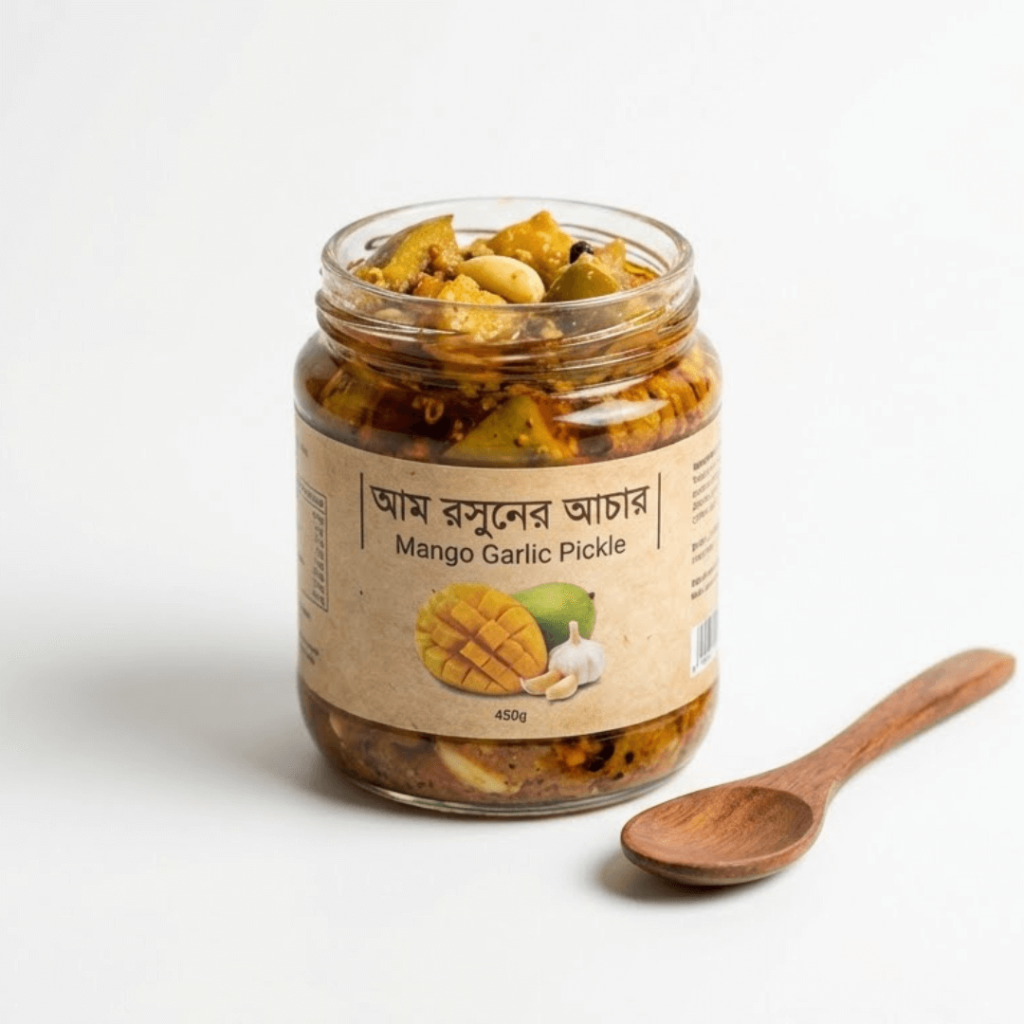 ধাপ ১ · কাঁচা আম
রাজশাহীর টক কাঁচা আম
মৌসুমের শুরুতে গাছ থেকে পাড়া শক্ত, টক আম — এই আমেই আচারের আসল স্বাদ আসে।
- আঁশ কম, টক বেশি
- কার্বাইড-মুক্ত
৪০ কেজিপ্রতি ব্যাচে আম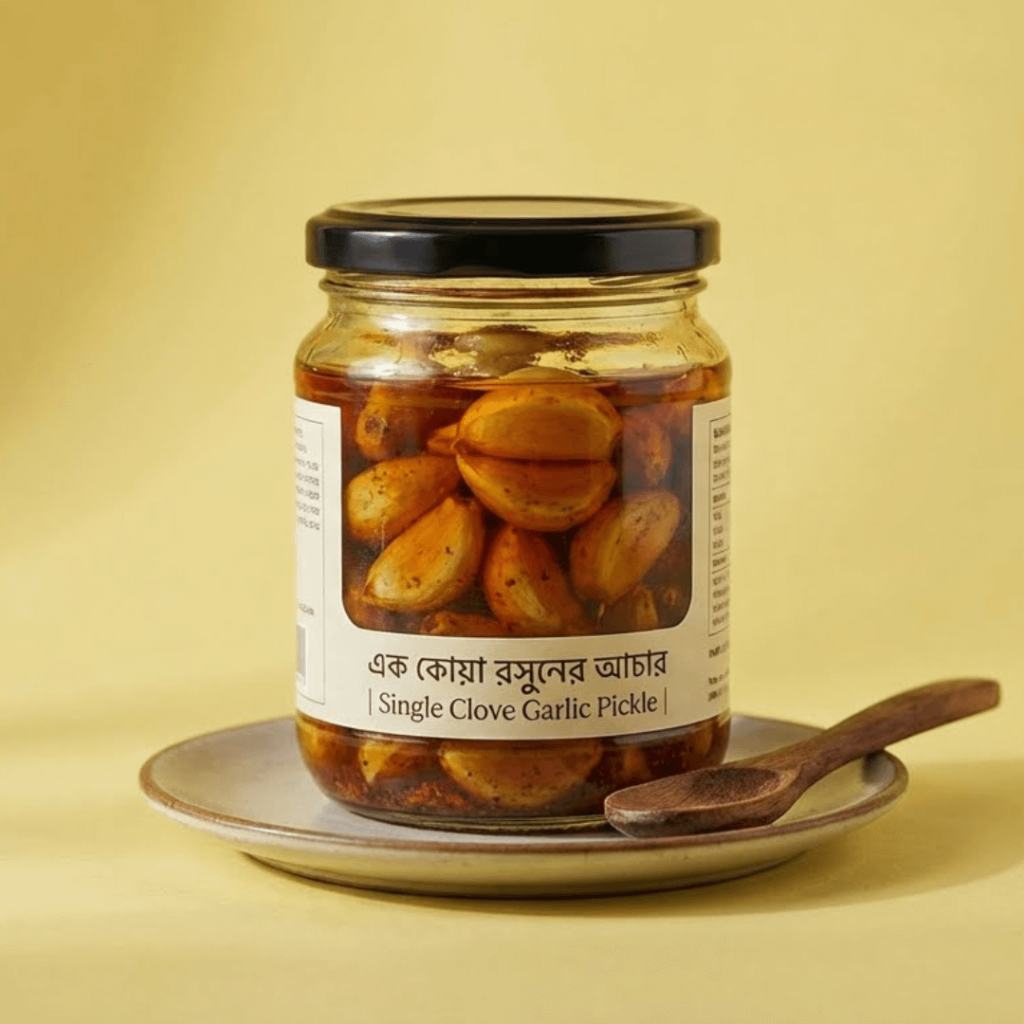 ধাপ ২ · কাটা ও লবণ
হাতে কেটে লবণ-হলুদে মাখানো
প্রতিটি টুকরো হাতে কাটা হয়, তারপর লবণ-হলুদ মেখে এক রাত রেখে দেওয়া হয়।
- হাতে কাটা টুকরো
- কোনো প্রিজারভেটিভ নয়
১২ ঘণ্টামেরিনেশন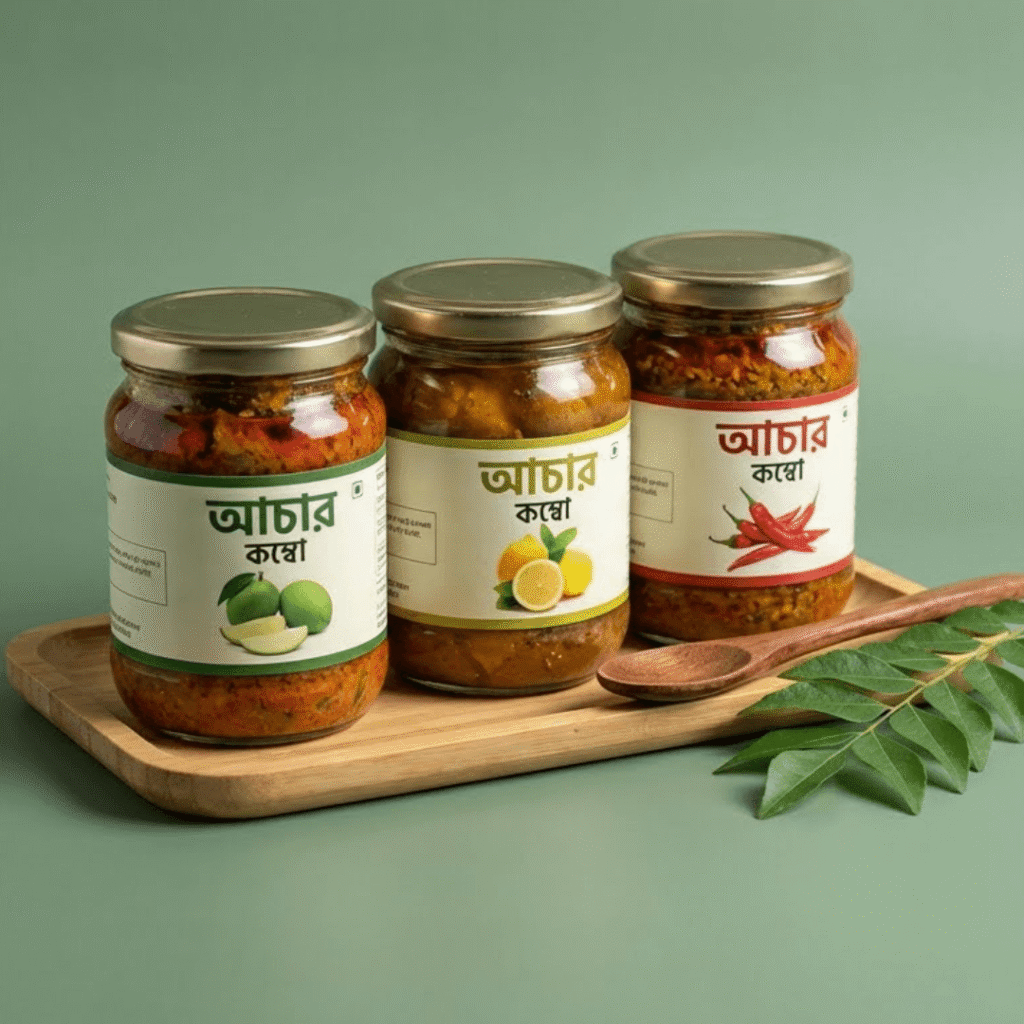 ধাপ ৩ · রোদে শুকানো
টানা ৭ দিন রোদে শুকানো
সকাল থেকে বিকেল পর্যন্ত রোদে রেখে আমের পানি টানানো হয় — তাই আচার অনেকদিন ভালো থাকে।
- প্রাকৃতিক উপায়ে শুকানো
- মাছি-মুক্ত জালের নিচে
৭ দিনরোদের ছোঁয়া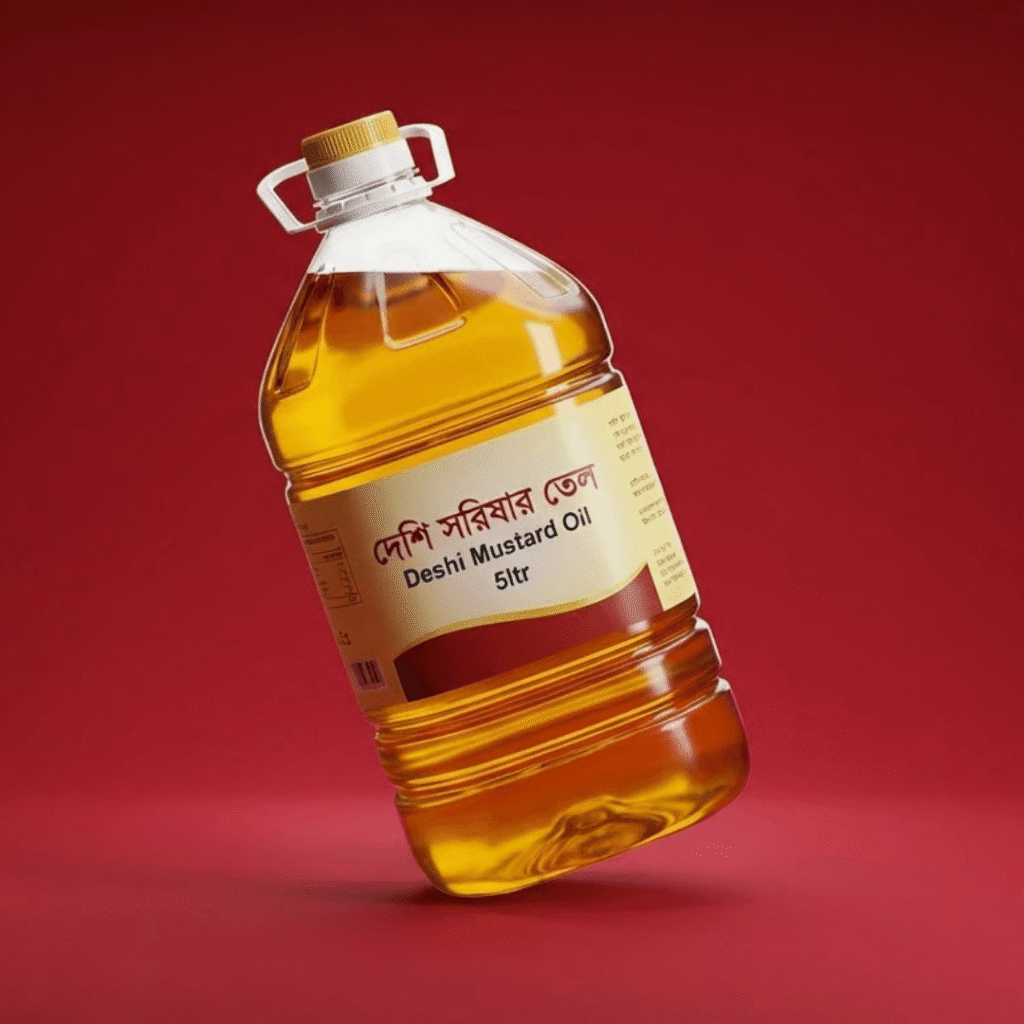 ধাপ ৪ · সরিষার তেল
ঘানি ভাঙা তেলে রান্না
দেশি ঘানির সরিষার তেলে পাঁচফোড়ন দিয়ে কম আঁচে রান্না — ঝাঁঝ আর ঘ্রাণ দুটোই থাকে।
- খাঁটি সরিষার তেল
- পাঁচফোড়নের ঘ্রাণ
১০০%ঘানির তেল- ধাপ ৫ · বয়ামে
কাচের বয়ামে ভরে আপনার কাছে
ঠান্ডা হলে তেলের ওপর দিয়ে বয়ামে ভরা হয়। হাতে পেয়ে খুলুন, ঘ্রাণেই বুঝবেন।
- লিক-প্রুফ ঢাকনা
- বাবল র্যাপে প্যাকিং
৪০০ গ্রামপ্রতি বয়াম


Snake Journey Path — Dark Wave
Steps snake down the page on a dark theme.
How to use: add the Journey Path block and choose snake · dark · wave in its style settings
What you can customize in this widget
গুঁড়া মশলার আসল রং আর ঘ্রাণ
বাজারের রং-মেশানো মশলা নয় — আস্ত মশলা কিনে, ধুয়ে, রোদে শুকিয়ে তারপর গুঁড়া।
 ০১ · সংগ্রহ
কৃষকের কাছ থেকে আস্ত মশলা
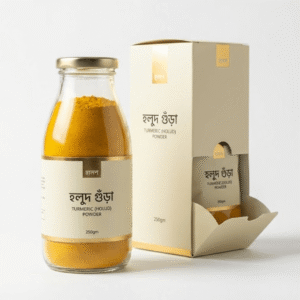
হলুদ, মরিচ, ধনিয়া আর জিরা সরাসরি কৃষকের কাছ থেকে আস্ত অবস্থায় কেনা হয়।
- মধ্যস্বত্বভোগী নেই
- মৌসুমি ফসল
৫জেলার কৃষক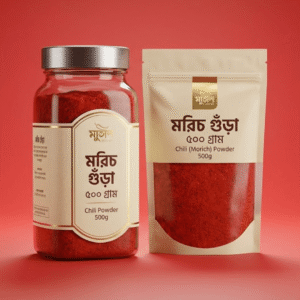 ০২ · ধোয়া
তিনবার পরিষ্কার পানিতে ধোয়া
মাটি, ধুলো আর পাথরকুচি দূর করতে আস্ত মশলা তিন দফা ধোয়া হয়।
- পাথরকুচি বাছাই
- ধুলাবালি মুক্ত
৩ বারধোয়া হয়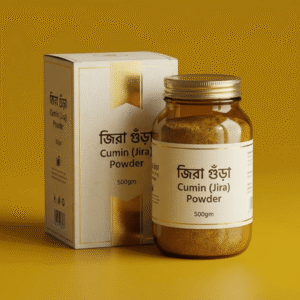 ০৩ · শুকানো
রোদে শুকিয়ে মচমচে
ভেজা মশলায় ছত্রাক হয় — তাই রোদে শুকিয়ে একদম মচমচে করে নেওয়া হয়।
- ছত্রাক-মুক্ত
- প্রাকৃতিক রং
৪৮ ঘণ্টারোদে শুকানো ০৪ · গুঁড়া
ঠান্ডা মেশিনে ধীরে গুঁড়া
কম গতিতে গুঁড়া করায় মশলা গরম হয় না, তাই তেল আর ঘ্রাণ ভেতরেই থাকে।
- কোনো রং মেশানো নয়
- কাঠের গুঁড়া নয়
০%ভেজাল ০৫ · কম্বো
এক প্যাকে রান্নাঘরের সব মশলা
চারটি গুঁড়া মশলা একসাথে জিপ-লক প্যাকে — খোলার পরেও ঘ্রাণ থাকে।
- জিপ-লক প্যাক
- সাশ্রয়ী দাম
৪টিমশলা এক প্যাকে


Left Rail Journey Path — Straight Line
Clean straight line on the left with steps beside it.
How to use: add the Journey Path block and choose rail-left · light · straight in its style settings
What you can customize in this widget
সুন্দরবনের মধু কীভাবে আপনার কাছে আসে
মৌয়ালদের সাথে বনে যাওয়া থেকে শুরু করে আপনার দরজা পর্যন্ত — পুরো পথটা খোলাখুলি।
 Step 1 · বনে যাত্রা
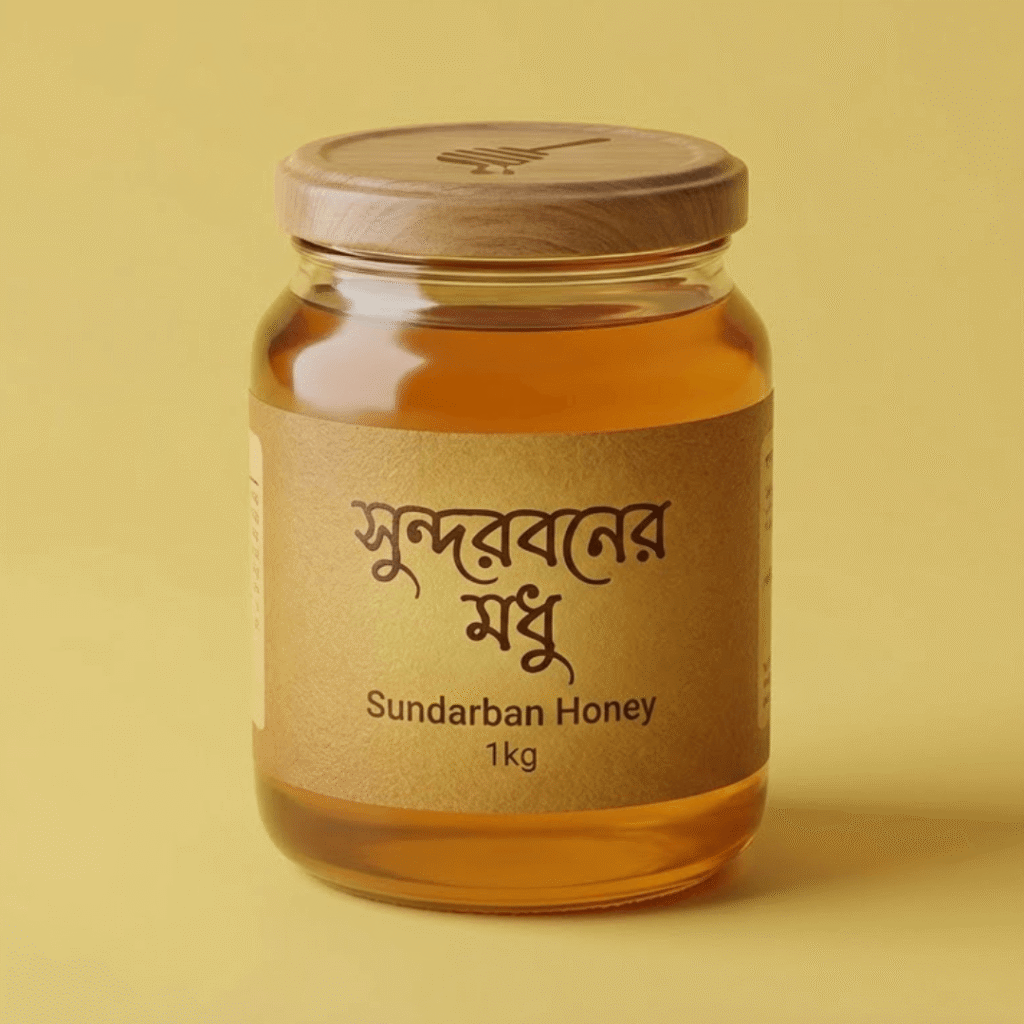
মৌয়ালদের সাথে সুন্দরবনে
বন বিভাগের অনুমতি নিয়ে অভিজ্ঞ মৌয়ালরা নৌকায় করে গভীর বনে যান।
- অনুমতিপ্রাপ্ত মৌয়াল
- এপ্রিল–জুন মৌসুম
১৫ দিনবনে থাকা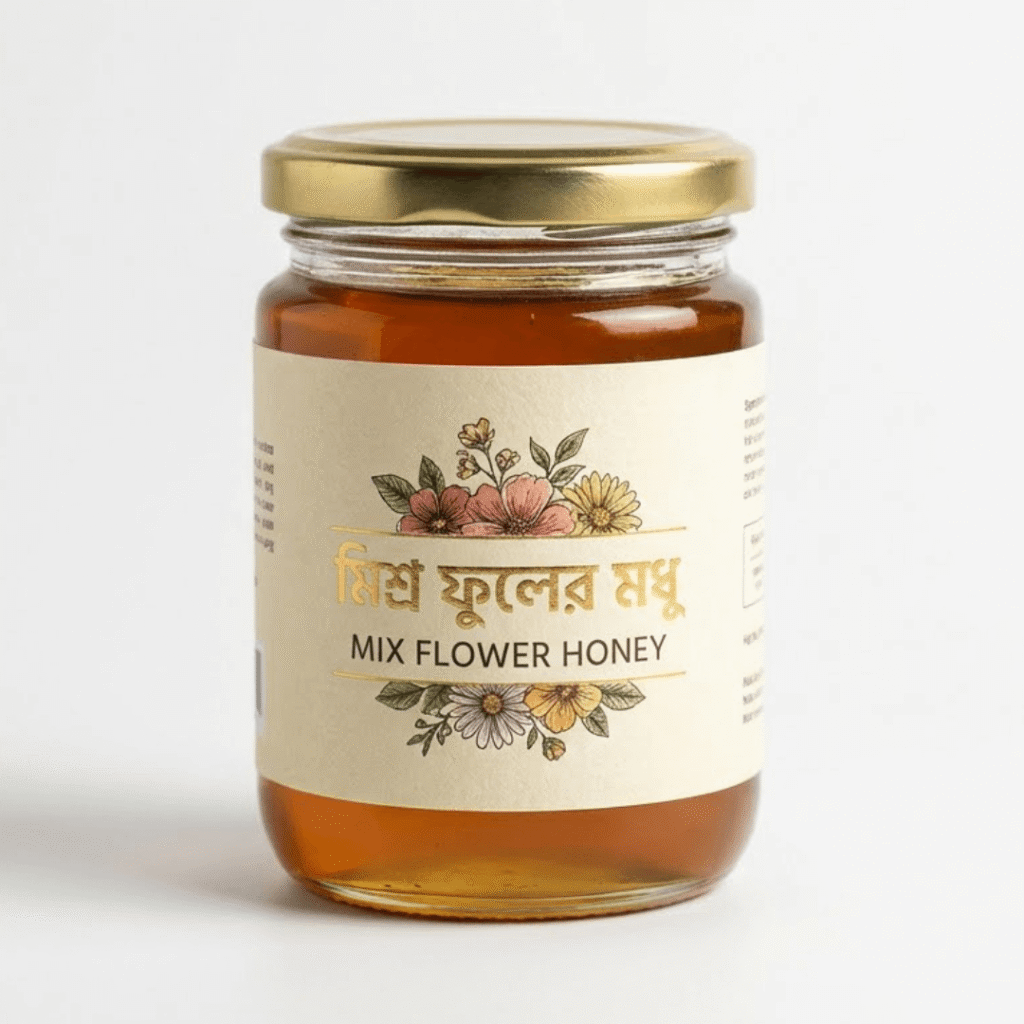 Step 2 · চাক কাটা
পাকা চাক থেকেই শুধু মধু
মৌমাছি না মেরে ধোঁয়া দিয়ে সরিয়ে শুধু পাকা অংশটুকু কাটা হয় — বাকিটা থাকে প্রকৃতির জন্য।
- মৌমাছি মারা হয় না
- শুধু পাকা চাক
১০০%কাঁচা মধু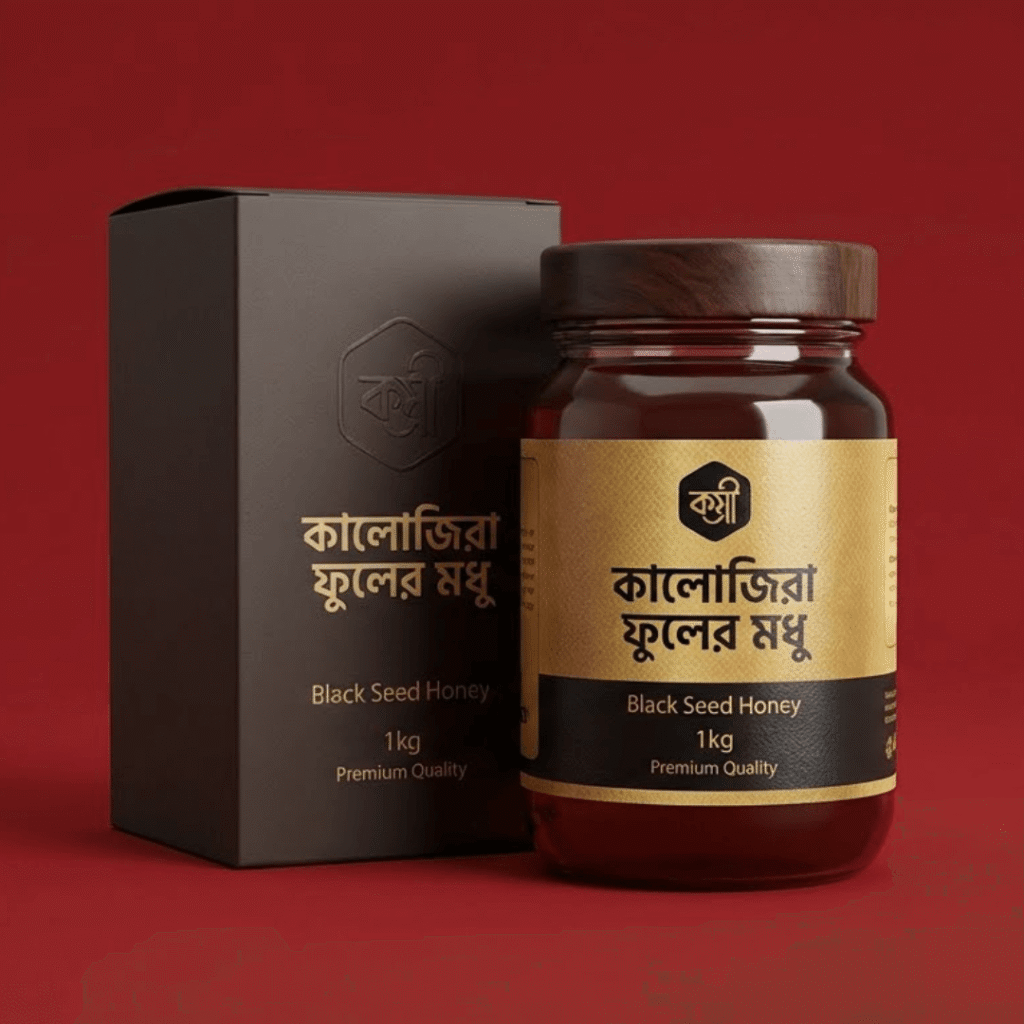 Step 3 · ল্যাব টেস্ট
ময়েশ্চার ও বিশুদ্ধতা পরীক্ষা
প্রতিটি ব্যাচের পানির পরিমাণ আর চিনি-মিশ্রণ ল্যাবে পরীক্ষা করা হয়।
- ময়েশ্চার ২০% এর নিচে
- চিনি-মিশ্রণ পরীক্ষা
৭টিমান পরীক্ষা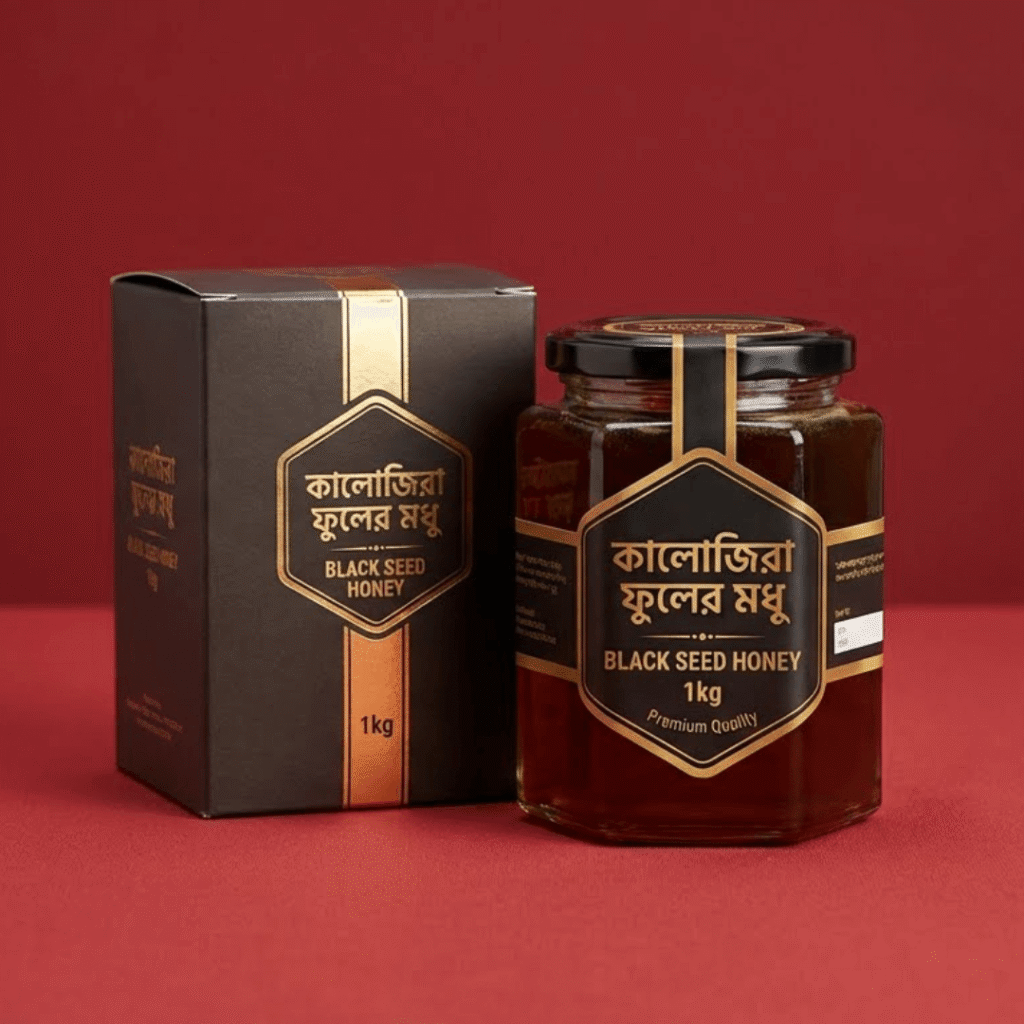 Step 4 · বোতলজাত
হিট না দিয়ে কাচের বোতলে
মধু কখনো জ্বাল দেওয়া হয় না — ছেঁকে সরাসরি কাচের বোতলে ভরা হয়।
- জ্বাল দেওয়া নয়
- ফুড-গ্রেড কাচ
১ কেজিপ্রতি বোতল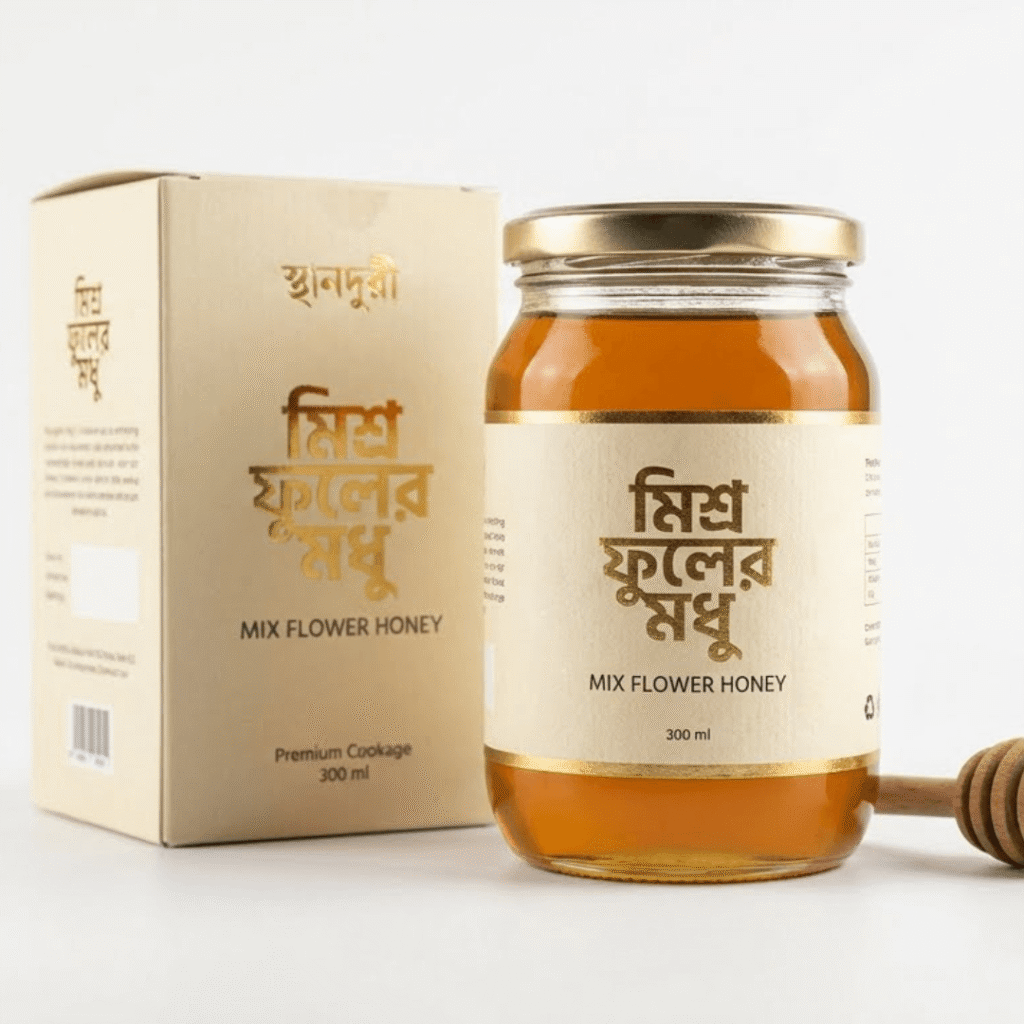 Step 5 · দরজায়
দেখে-শুনে তারপর পেমেন্ট
ক্যাশ অন ডেলিভারি। মধু জমে গেলে বা মান নিয়ে প্রশ্ন থাকলে ৭ দিনের মধ্যে ফেরত।
- ৭ দিনে রিটার্ন
- সারাদেশে ডেলিভারি
২–৩ দিনডেলিভারি সময়


এতটা পথ আমরা খোলাখুলি দেখাই, কারণ মধুর মানে আমাদের আত্মবিশ্বাস আছে।
সুন্দরবনের মধু অর্ডারRight Rail Journey Path — Night Steps
Steps on a right-side rail with a dark night style.
How to use: add the Journey Path block and choose rail-right · night · steps in its style settings
What you can customize in this widget
রাতভর ঘানি ঘুরে এক ফোঁটা খাঁটি তেল
দেশি সরিষা থেকে কাঠের ঘানিতে ভাঙা তেল — ঝাঁঝটাই প্রমাণ যে এতে কিছু মেশানো নেই।
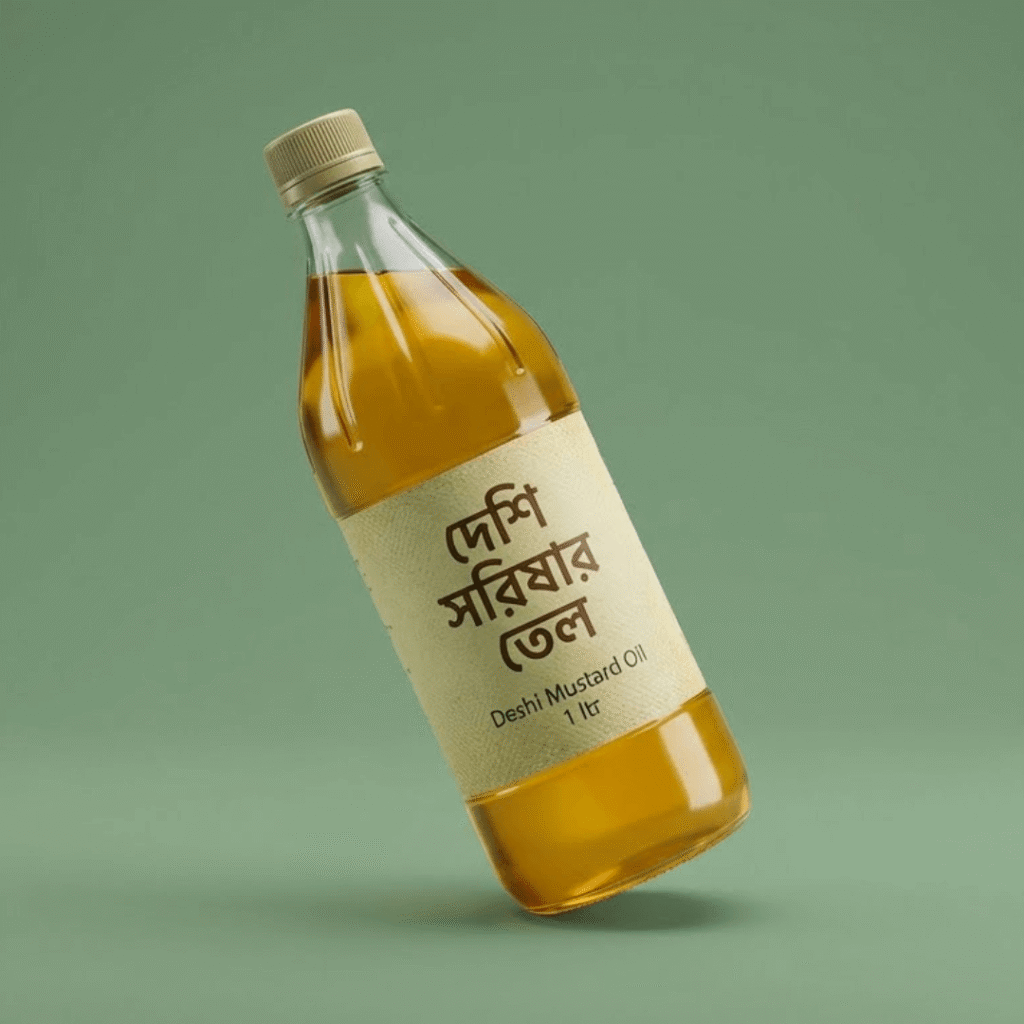 Stage 01
দেশি কালো সরিষা বাছাই
পাবনা আর সিরাজগঞ্জের দেশি সরিষা — দানা ছোট, কিন্তু তেল আর ঝাঁঝ বেশি।
- হাইব্রিড নয়
- নতুন মৌসুমের দানা
৩২%তেলের পরিমাণ Stage 02
রোদে শুকিয়ে ধুলো ঝাড়া
দানা রোদে শুকিয়ে কুলায় ঝেড়ে নেওয়া হয়, যাতে তেলে কোনো ময়লা না আসে।
- কুলায় ঝাড়া
- পাথরকুচি বাদ
২ দিনরোদে শুকানো- Stage 03
কাঠের ঘানিতে ধীরে ভাঙা
ধীর গতির কাঠের ঘানি তেল গরম হতে দেয় না — তাই পুষ্টি আর ঝাঁঝ দুটোই অটুট থাকে।
- কোল্ড-প্রেসড
- কোনো কেমিক্যাল নয়
৮ ঘণ্টাএক ব্যাচে  Stage 04
থিতিয়ে পরিষ্কার করা
তিন দিন ড্রামে থিতিয়ে রেখে ওপরের পরিষ্কার তেলটুকু আলাদা করা হয়।
- ফিল্টার পেপার নয়
- প্রাকৃতিক থিতানো
৭২ ঘণ্টাথিতানো Stage 05
লিক-প্রুফ বোতলে ডেলিভারি
সিল করা বোতল, তার ওপর বাবল র্যাপ — পথে এক ফোঁটাও নষ্ট হয় না।
- সিল করা ঢাকনা
- ক্যাশ অন ডেলিভারি
৬৪জেলায় পৌঁছায়


Center Journey Path — Gradient Zig-Zag
Center line with gradient steps zig-zagging on both sides.
How to use: add the Journey Path block and choose center · gradient · zigzag in its style settings
What you can customize in this widget
ড্রাই ফ্রুটস গিফট বক্স — যেভাবে সাজানো হয়
ঈদ, বিয়ে বা অফিসের উপহার — প্রতিটি বক্স আলাদা করে হাতে সাজানো।
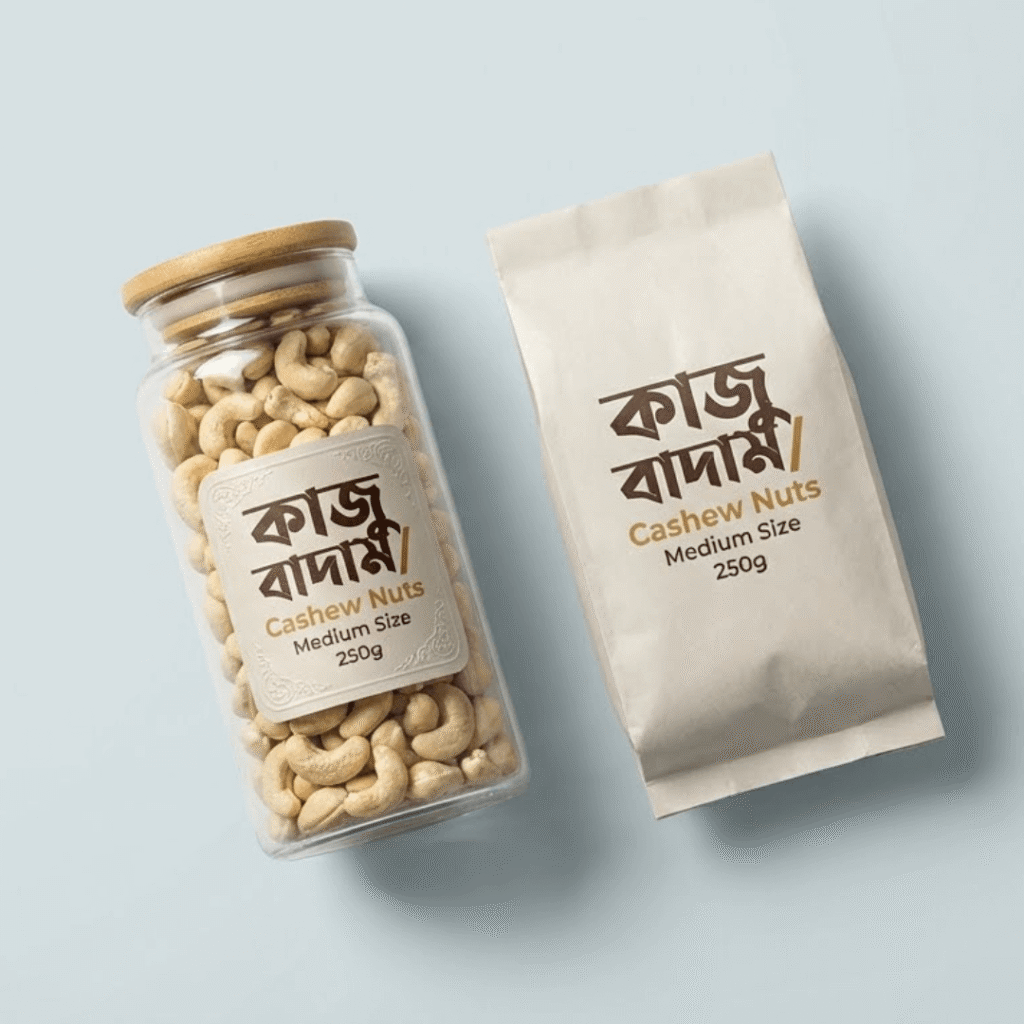 01 · কাজু
বড় সাইজের কাজু বাদাম
W320 গ্রেডের মাঝারি-বড় কাজু — ভাঙা দানা একটাও রাখা হয় না।
- W320 গ্রেড
- হালকা লবণ ছাড়া
২৫০ গ্রামপ্রতি বক্সে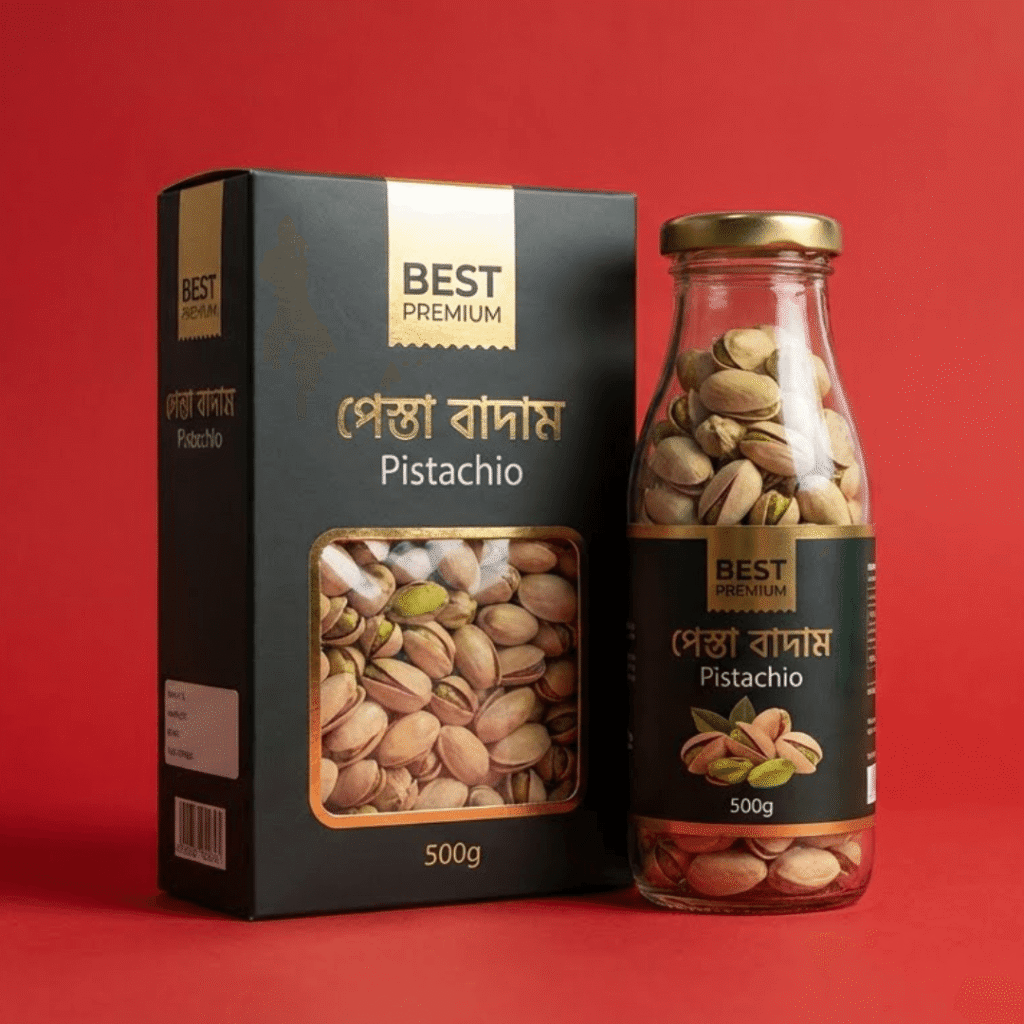 02 · পেস্তা
মুখ খোলা ইরানি পেস্তা
নিজে থেকেই মুখ খোলা পেস্তা মানেই পাকা দানা — খেতে সহজ, স্বাদে মিষ্টি।
- প্রাকৃতিকভাবে খোলা
- হালকা রোস্টেড
২০০ গ্রামপ্রতি বক্সে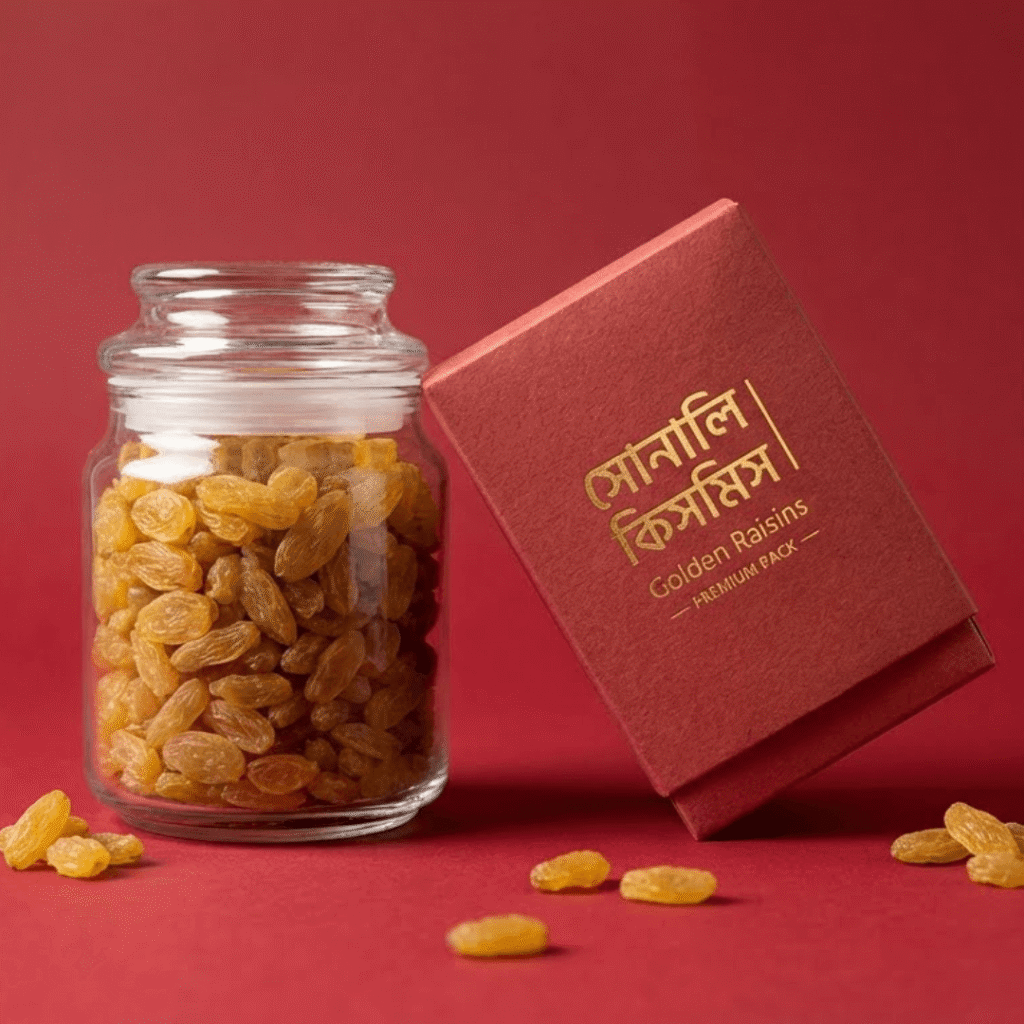 03 · কিসমিস
সোনালি কিসমিস
চিনি-কোটিং ছাড়া সোনালি কিসমিস, বাচ্চাদের টিফিনেও নিশ্চিন্তে।
- চিনি-কোটিং নেই
- বীজ ছাড়া
১৫০ গ্রামপ্রতি বক্সে 04 · সাজানো
কাঠের বক্সে ভাগ করে সাজানো
আলাদা খোপে প্রতিটি ড্রাই ফ্রুট, ওপরে আপনার নামে কার্ড।
- নাম লেখা কার্ড
- রিবন বাঁধা বক্স
৫ খোপএক বক্সে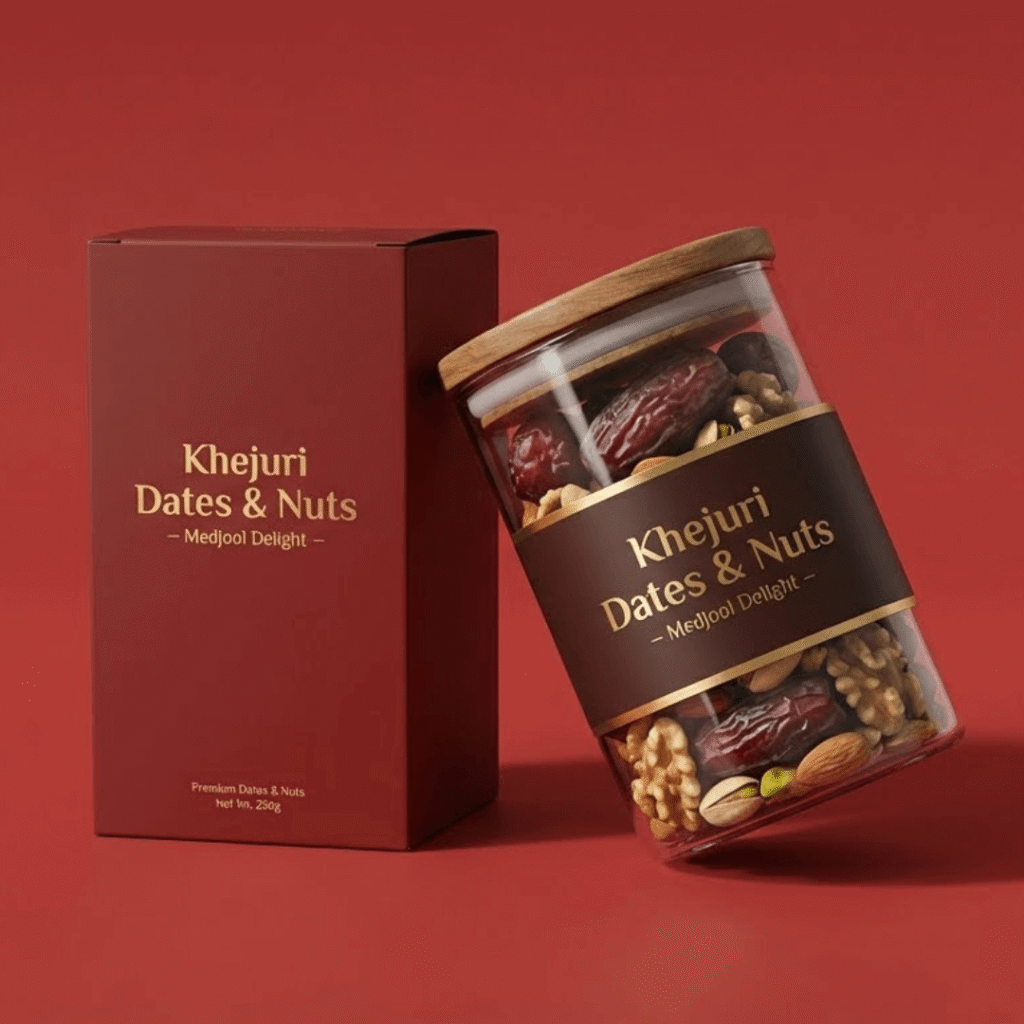 05 · পৌঁছানো
যার জন্য উপহার, তার দরজায়
আপনি ঠিকানা দিন — আমরা সারপ্রাইজ রেখেই পৌঁছে দেব, দামের ট্যাগ ছাড়া।
- প্রাইস ট্যাগ ছাড়া
- নির্দিষ্ট তারিখে ডেলিভারি
২৪ ঘণ্টাঢাকায় ডেলিভারি


Sticky Journey Path — Outline Curve
The path stays pinned while steps scroll past.
How to use: add the Journey Path block and choose sticky · outline · curve in its style settings
What you can customize in this widget
জলপাই-রসুনের আচার, প্রতিটি ধাপ চোখের সামনে
স্ক্রল করুন — বাঁ পাশের ছবি বদলাবে ধাপে ধাপে।


 ধাপ ১
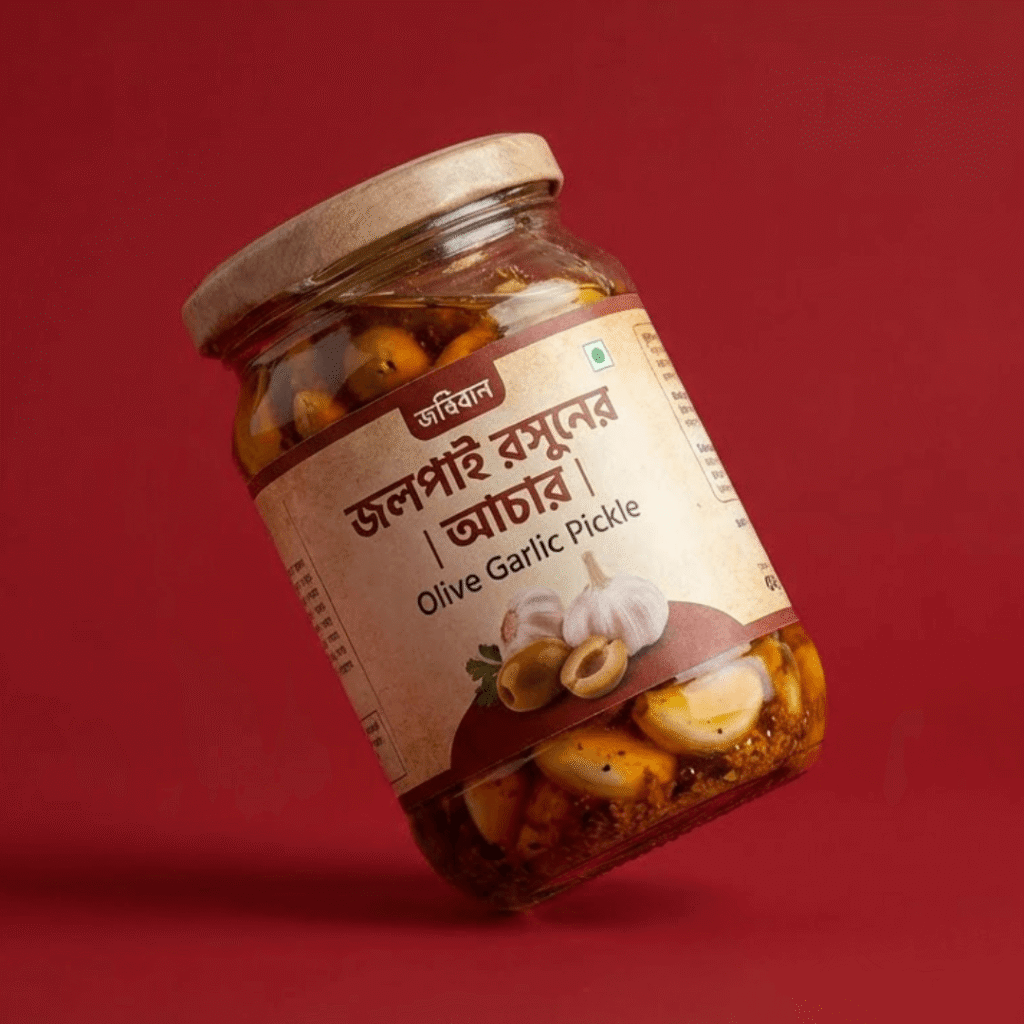
ধাপ ১শীতের শুরুর তাজা জলপাই
অক্টোবর–নভেম্বরের সবুজ, শক্ত জলপাই — নরম বা দাগওয়ালা জলপাই বাদ।
- দাগ-মুক্ত জলপাই
- মৌসুমি ফল
২০ কেজিপ্রতি ব্যাচ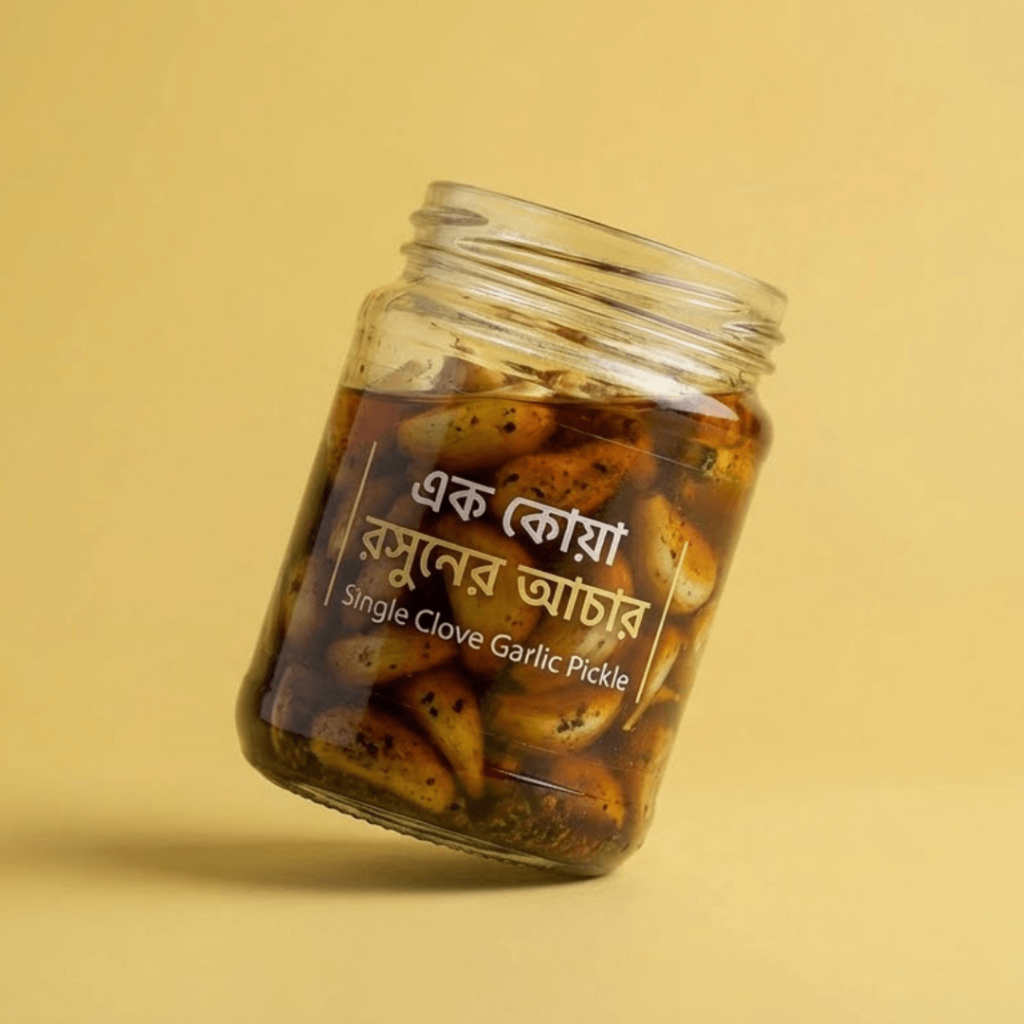 ধাপ ২
ধাপ ২এক কোয়া রসুন ছাড়ানো
পাহাড়ি এক কোয়া রসুন হাতে ছাড়িয়ে আস্ত রাখা হয় — কামড়ে পাবেন রসুনের মিষ্টি ঝাঁঝ।
- আস্ত রসুন
- পাহাড়ি জাত
৫ কেজিরসুন প্রতি ব্যাচে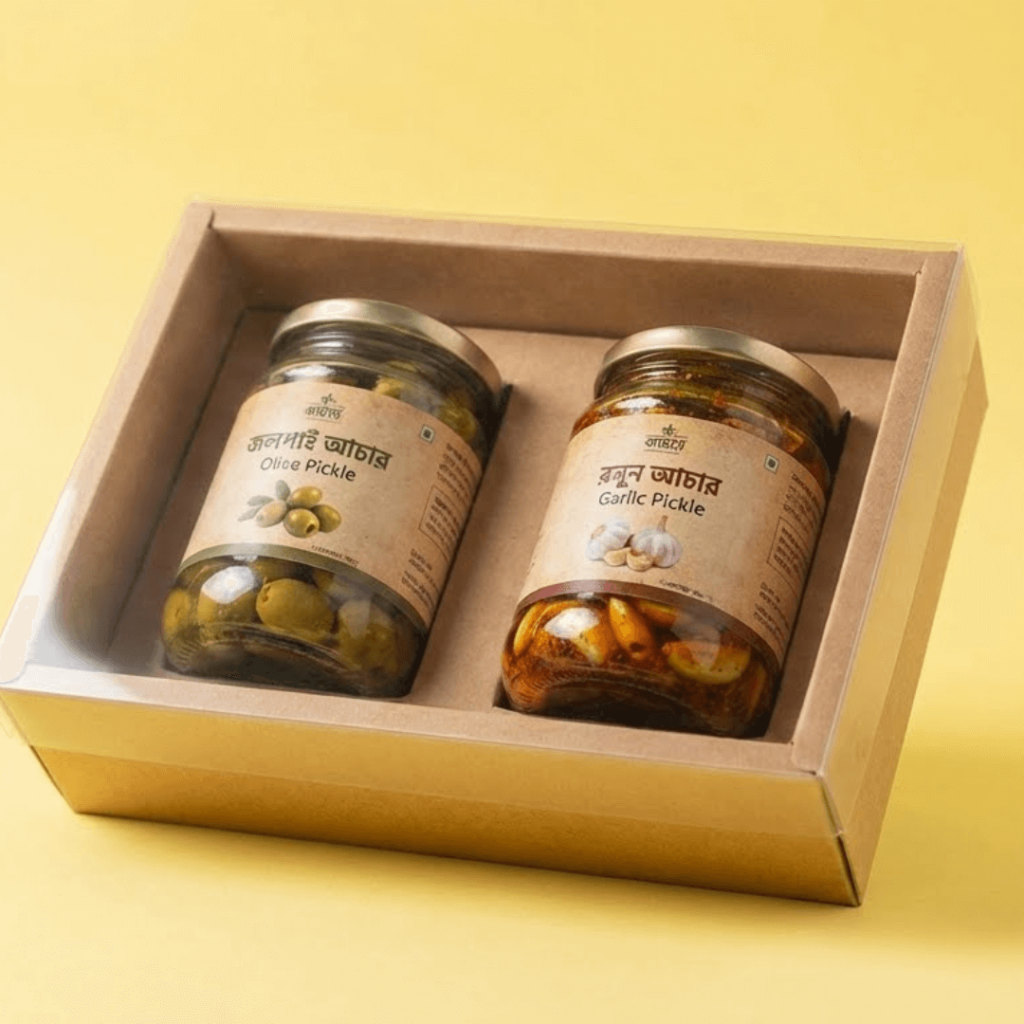 ধাপ ৩
ধাপ ৩গুড় আর মশলায় জ্বাল
আখের গুড়, শুকনো মরিচ আর পাঁচফোড়নে কম আঁচে জ্বাল — টক-মিষ্টি-ঝাল একসাথে।
- আখের গুড়
- কৃত্রিম রং নেই
৩ ঘণ্টাধীরে জ্বাল- ধাপ ৪
তিন দিন রোদে রাখা
বয়ামের মুখে পাতলা কাপড় বেঁধে রোদে রাখা হয়, তেলটা ভেতরে ঢুকে যায়।
- প্রাকৃতিক সংরক্ষণ
- প্রিজারভেটিভ-মুক্ত
৩ দিনরোদে  ধাপ ৫
ধাপ ৫কম্বো প্যাকে আপনার কাছে
জলপাই-রসুন আর আম-রসুন একসাথে নিলে দামে সাশ্রয়, স্বাদে দুই রকম।
- ২ বয়াম একসাথে
- ক্যাশ অন ডেলিভারি
১৫%কম্বোতে সাশ্রয়
Alternate Journey Path — Plain Zig-Zag
Zig-zag steps with no background — light and clean.
How to use: add the Journey Path block and choose alternate · zigzag in its style settings
What you can customize in this widget
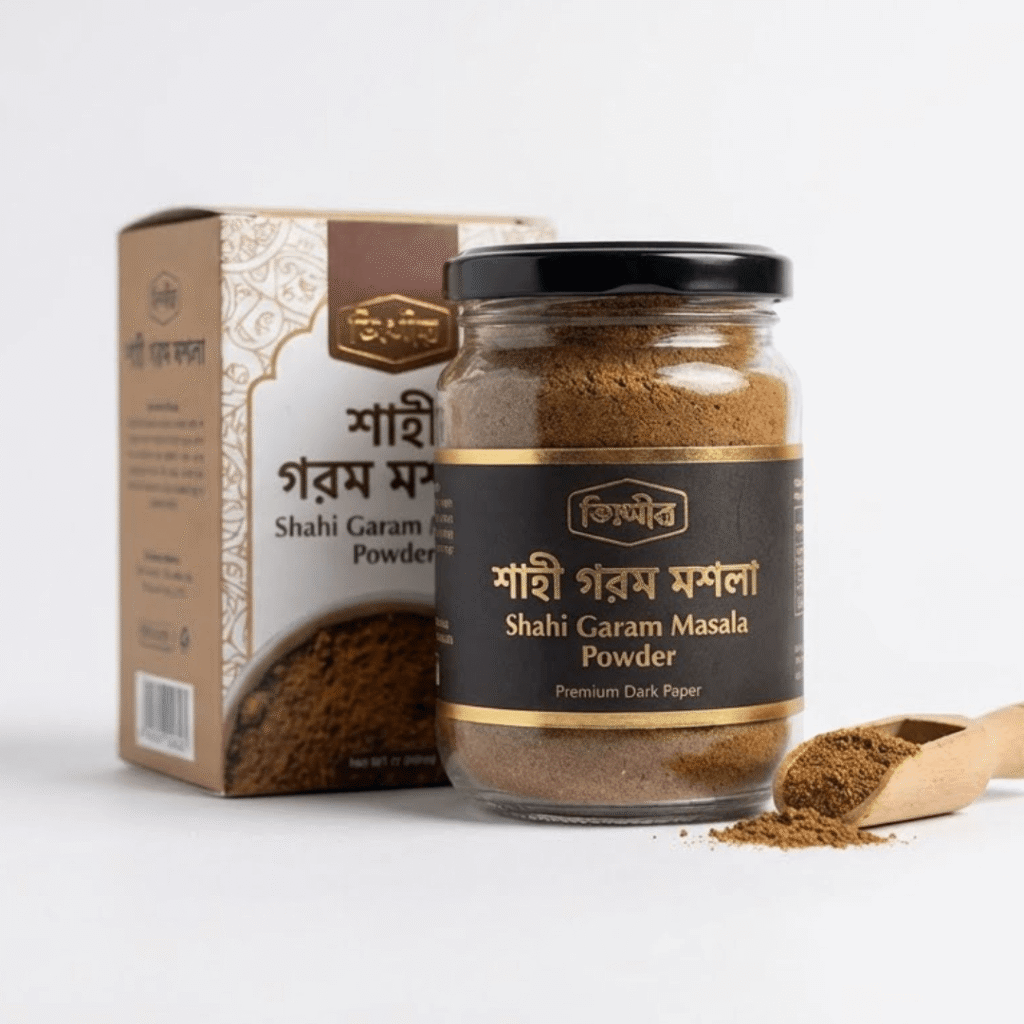
শাহী গরম মশলা — ১২টি উপকরণ, ৫টি ধাপ
এলাচ, দারুচিনি, লবঙ্গ থেকে জয়ত্রী — ঠিক অনুপাতে মেশানোই আসল কাজ।
 STEP 01
আস্ত মশলা ওজন করে নেওয়া
পুরনো দিনের শাহী রেসিপির অনুপাত মেনে ১২টি মশলা আলাদা আলাদা ওজন করা হয়।
- এলাচ, দারুচিনি, লবঙ্গ
- জয়ফল, জয়ত্রী, তেজপাতা
১২টিউপকরণ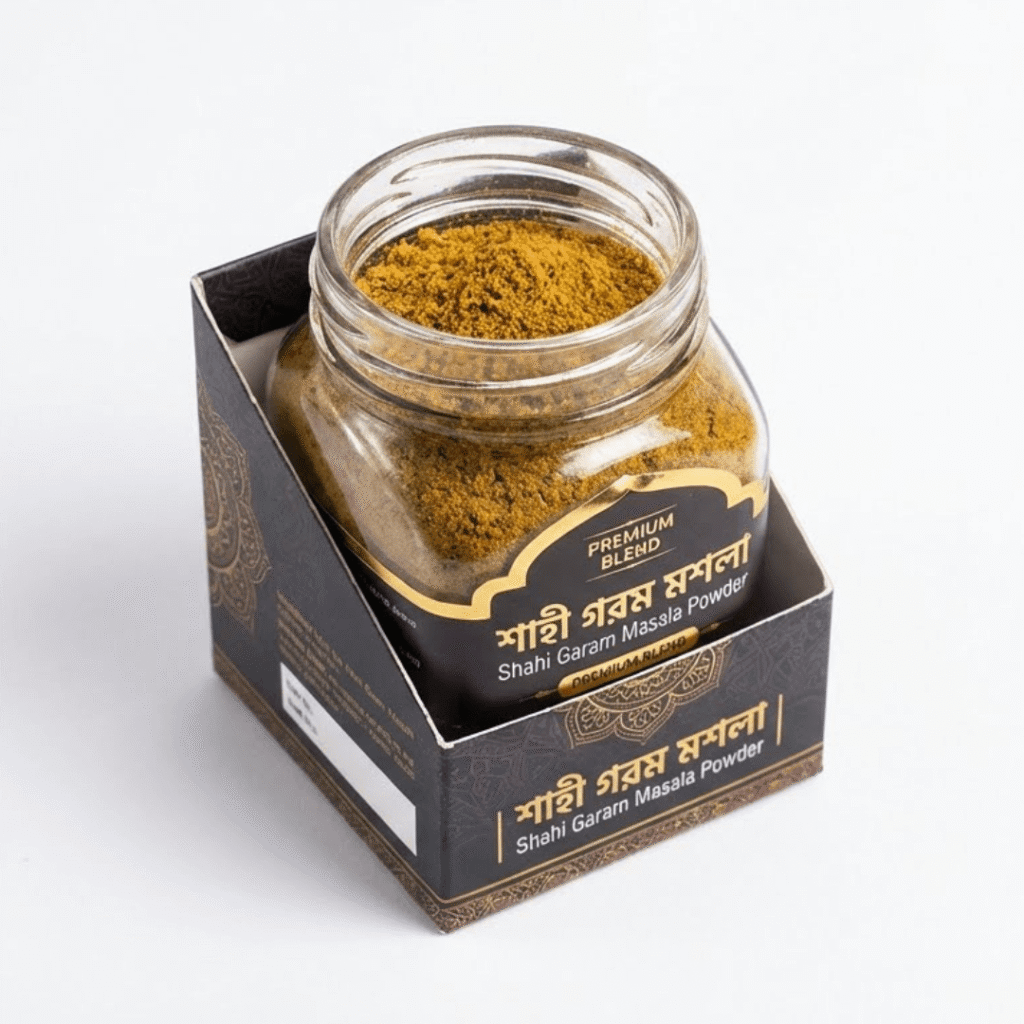 STEP 02
শুকনো খোলায় ভাজা
লোহার খোলায় তেল ছাড়া হালকা ভাজা — এতে লুকানো ঘ্রাণ বের হয়ে আসে।
- তেল ছাড়া ভাজা
- পোড়া নয়
৮ মিনিটপ্রতি ব্যাচ STEP 03
ঠান্ডা করে মিহি গুঁড়া
পুরো ঠান্ডা হলে মিহি করে গুঁড়া — গরম অবস্থায় গুঁড়া করলে ঘ্রাণ উড়ে যায়।
- মিহি টেক্সচার
- ছাঁকনিতে ছাঁকা
৮০ মেশমিহি গুঁড়া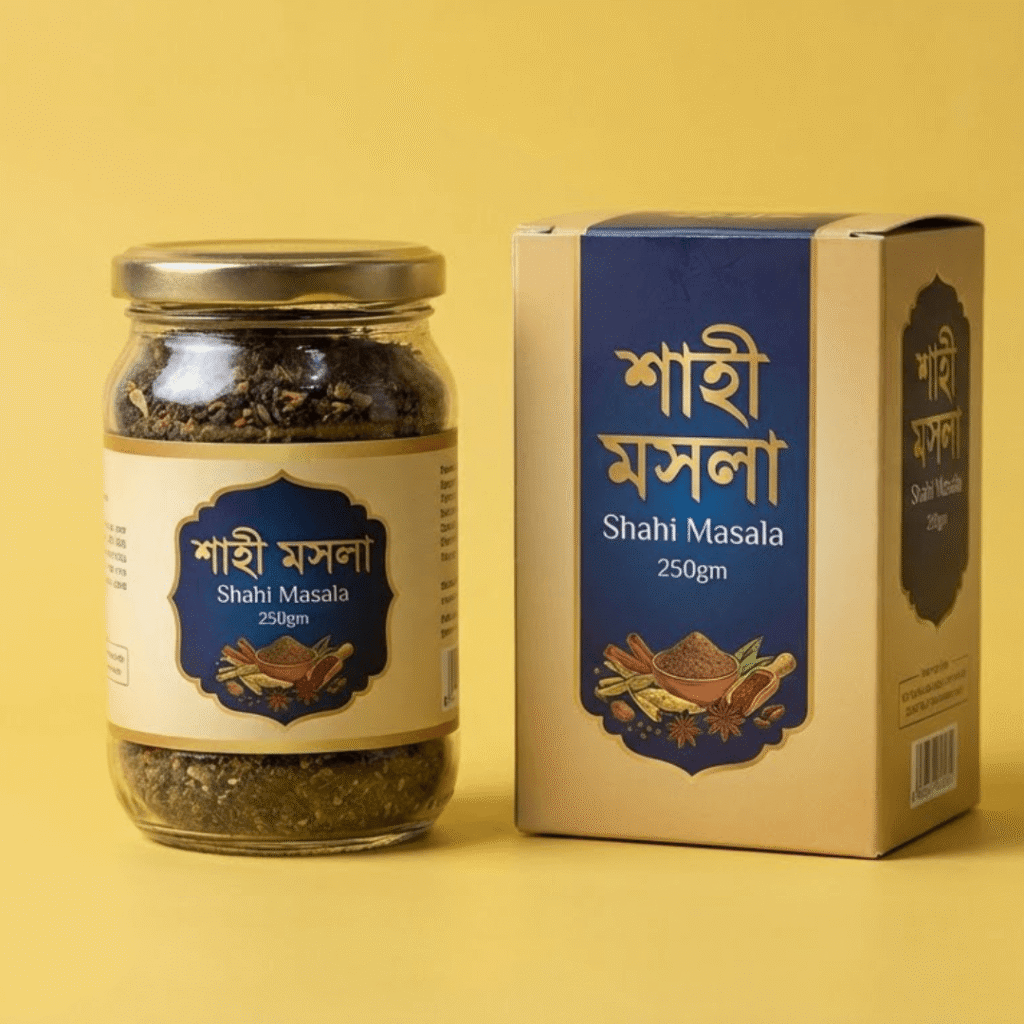 STEP 04
স্বাদ-পরীক্ষা করে প্যাক
প্রতি ব্যাচ থেকে একবার রান্না করে স্বাদ মিলিয়ে তবেই প্যাকিং।
- রান্না করে পরীক্ষা
- ব্যাচ নম্বর দেওয়া
১০০%ব্যাচ টেস্টেড STEP 05
আপনার রান্নাঘরে
কোরমা, রেজালা বা বিরিয়ানি — এক চামচেই বাড়ির রান্নায় দাওয়াতের স্বাদ।
- জিপ-লক প্যাক
- ক্যাশ অন ডেলিভারি
১ চামচযথেষ্ট


Split Journey Path — Night Wave
Split layout with a dark wave for a premium feel.
How to use: add the Journey Path block and choose split · night · wave in its style settings
What you can customize in this widget
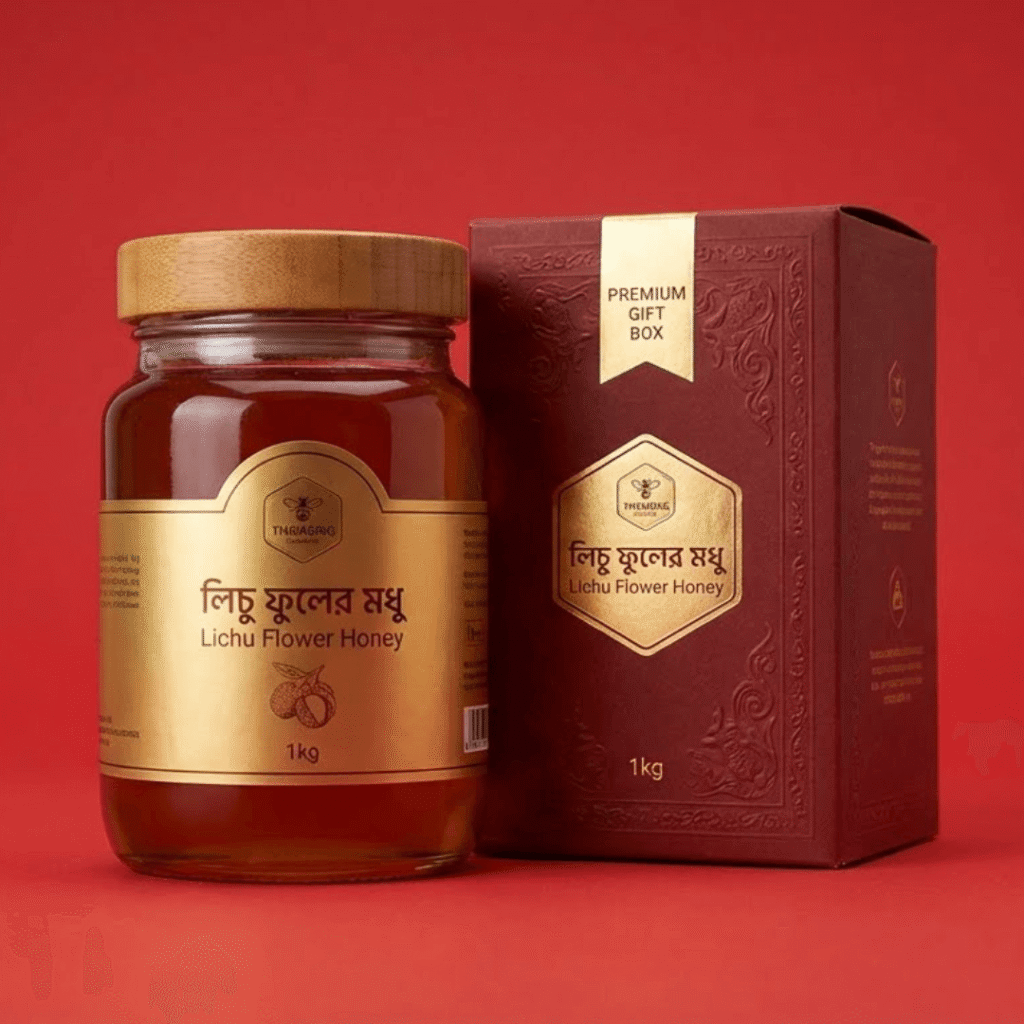
লিচু ফুলের মধু — মাত্র ২১ দিনের মৌসুম
বছরে একবার, লিচু ফুল ফোটার কয়েকটা সপ্তাহে তৈরি হয় এই হালকা, সুগন্ধি মধু।
 ফেব্রুয়ারি
বাগানে মৌবাক্স বসানো
দিনাজপুরের লিচু বাগানে ফুল আসার আগেই রাতে মৌবাক্স বসানো হয়।
- কীটনাশকমুক্ত বাগান
- বাগান মালিকের সাথে চুক্তি
৩০০+মৌবাক্স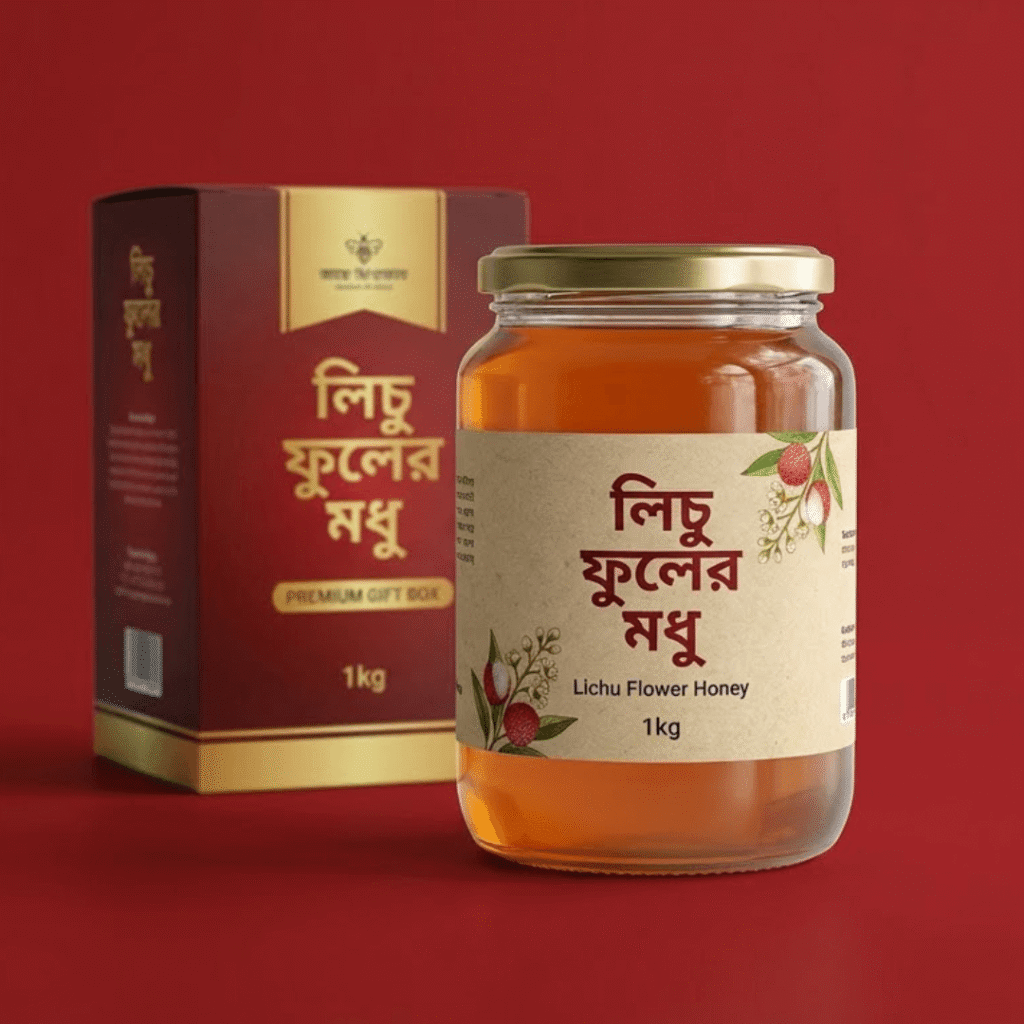 মার্চ
মার্চফুল থেকে ফুলে মৌমাছি
মৌমাছিরা শুধু লিচু ফুলের রস নেয়, তাই মধুতে আসে লিচুর হালকা ঘ্রাণ।
- একক ফুলের মধু
- হালকা সোনালি রং
২১ দিনমৌসুম- মার্চের শেষ
পাকা মধু সংগ্রহ
ফ্রেমের মধু পুরো পাকলে (মোম দিয়ে ঢেকে দিলে) তবেই মধু বের করা হয়।
- কাঁচা মধু নয়
- পাকা ফ্রেম
১৮%ময়েশ্চার - এপ্রিল
ছেঁকে পরীক্ষা
তিন স্তরের ছাঁকনিতে মোম-কণা আলাদা, তারপর ল্যাবে ময়েশ্চার টেস্ট।
- ৩ স্তরের ছাঁকনি
- ল্যাব রিপোর্ট
৩ স্তরছাঁকনি - সারা বছর
আপনার চায়ে, আপনার সকালে
গরম পানিতে লেবু-মধু বা রুটিতে মাখিয়ে — হালকা মিষ্টি, বাচ্চারাও পছন্দ করে।
- বাচ্চাদের প্রিয়
- চায়ে চিনির বদলে
১ কেজিবোতল


Snake Journey Path — Paper Curve
Snake path on paper texture, feels handmade.
How to use: add the Journey Path block and choose snake · paper · curve in its style settings
What you can customize in this widget
এক ফোঁটা কালোজিরা তেল, পেছনে ৫টি ধাপ
দেশি কালোজিরা থেকে ঠান্ডা চাপে বের করা তেল — চুলে, ত্বকে আর খাবারে।
 ধাপ ০১
ফরিদপুরের দেশি কালোজিরা
দানা ছোট ও কালো কুচকুচে — এমন কালোজিরাতেই তেল আর গুণ বেশি।
- দেশি জাত
- নতুন মৌসুম
১ মণপ্রতি ব্যাচে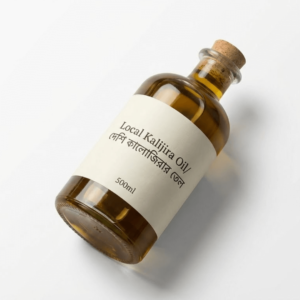 ধাপ ০২
চালুনিতে তিনবার ঝাড়া
ধুলো, খোসা আর আগাছার বীজ আলাদা করতে তিনবার চালা হয়।
- খোসা-মুক্ত
- আগাছা বীজ বাদ
৩ বারচালা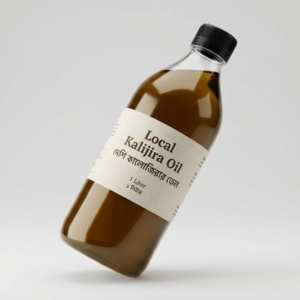 ধাপ ০৩
কোল্ড-প্রেস ঘানিতে চাপ
তাপ ছাড়া ধীরে চাপ দিয়ে তেল — থাইমোকুইনোন নষ্ট হয় না।
- তাপ ছাড়া
- কেমিক্যাল নয়
৪০°এর নিচে তাপ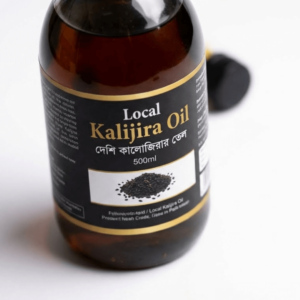 ধাপ ০৪
থিতিয়ে ফিল্টার
তেল ৪৮ ঘণ্টা থিতিয়ে পাতলা কাপড়ে ছাঁকা হয়।
- পরিষ্কার তেল
- কোনো তলানি নেই
৪৮ ঘণ্টাথিতানো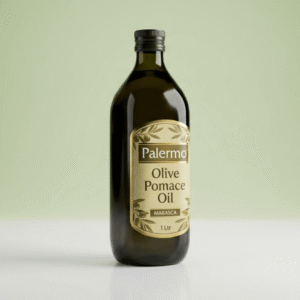 ধাপ ০৫
অ্যাম্বার বোতলে সংরক্ষণ
গাঢ় রঙের বোতল আলো আটকায়, তাই তেলের গুণ অনেকদিন থাকে।
- আলো-রোধী বোতল
- সিল করা
১২ মাসমেয়াদ


Left Rail Journey Path — Dark Steps
Left rail with dark step cards.
How to use: add the Journey Path block and choose rail-left · dark · steps in its style settings
What you can customize in this widget
আমাদের বাদাম ৫টি পরীক্ষা পেরিয়ে আসে
কোন বাদাম আপনার কাছে যাবে আর কোনটা যাবে না — সেটা ঠিক হয় এই পাঁচ ধাপে।
- Check 01
সাইজ মাপা
চালুনিতে সাইজ অনুযায়ী ভাগ — ছোট আর অসমান দানা আলাদা হয়ে যায়।
- একই সাইজের দানা
- ছোট দানা বাদ
২৪+মি.মি. কাঠবাদাম 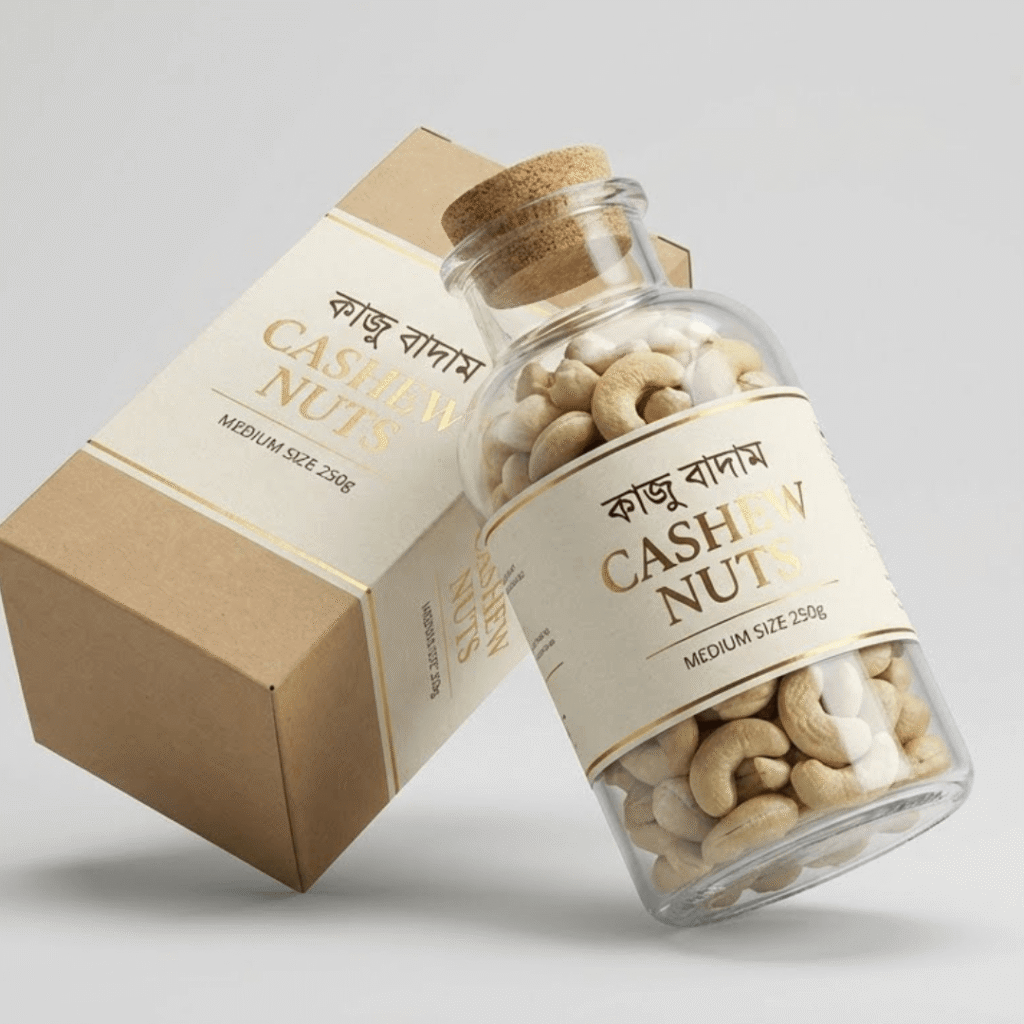 Check 02
চোখে দেখে বাছাই
আলোর নিচে বিছিয়ে কালো দাগ, পোকা-খাওয়া বা ভাঙা দানা হাতে বাদ দেওয়া হয়।
- দাগওয়ালা দানা বাদ
- পোকা-খাওয়া বাদ
২ জনবাছাইকারী প্রতি টেবিলে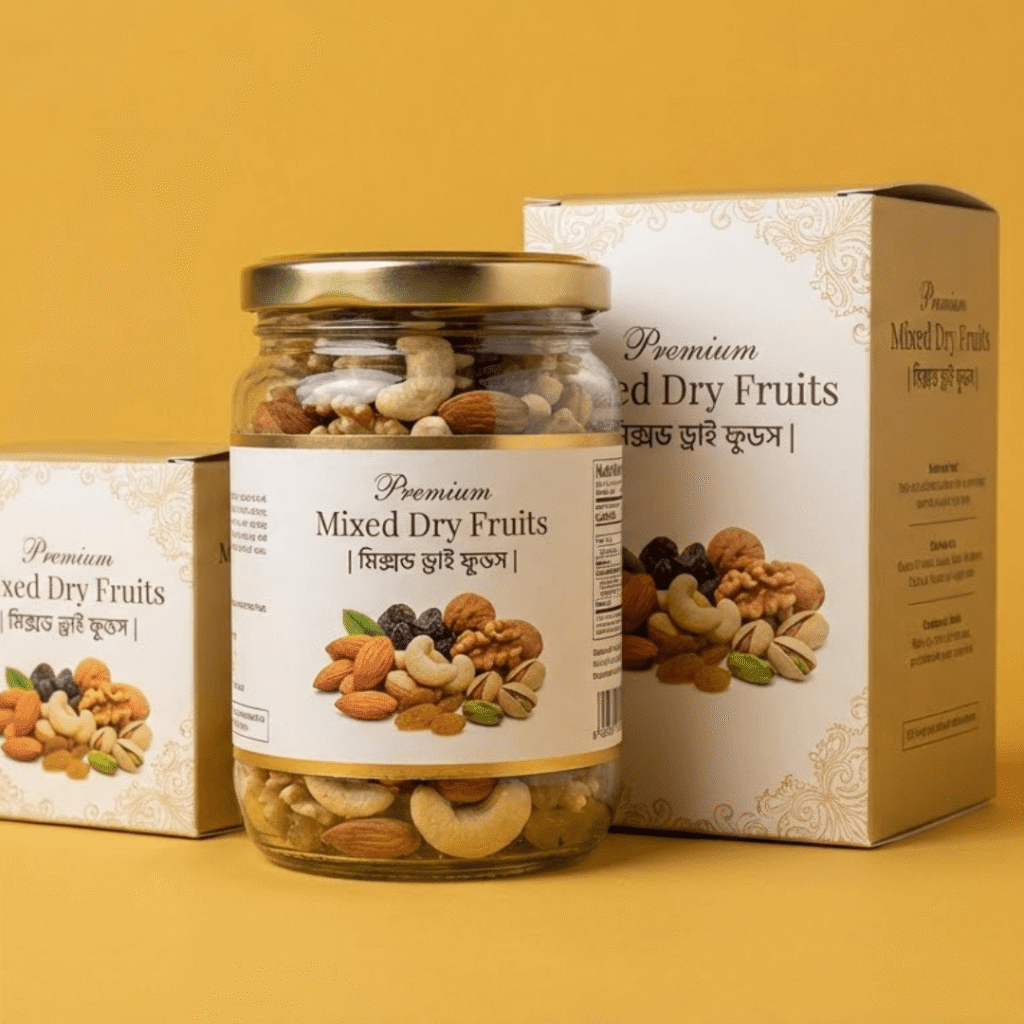 Check 03
আর্দ্রতা মাপা
ময়েশ্চার মিটারে আর্দ্রতা মাপা হয় — বেশি হলে ছত্রাক হয়, তাই ৬% এর নিচে রাখা হয়।
- ছত্রাক-ঝুঁকি নেই
- মিটারে মাপা
৬%এর নিচে আর্দ্রতা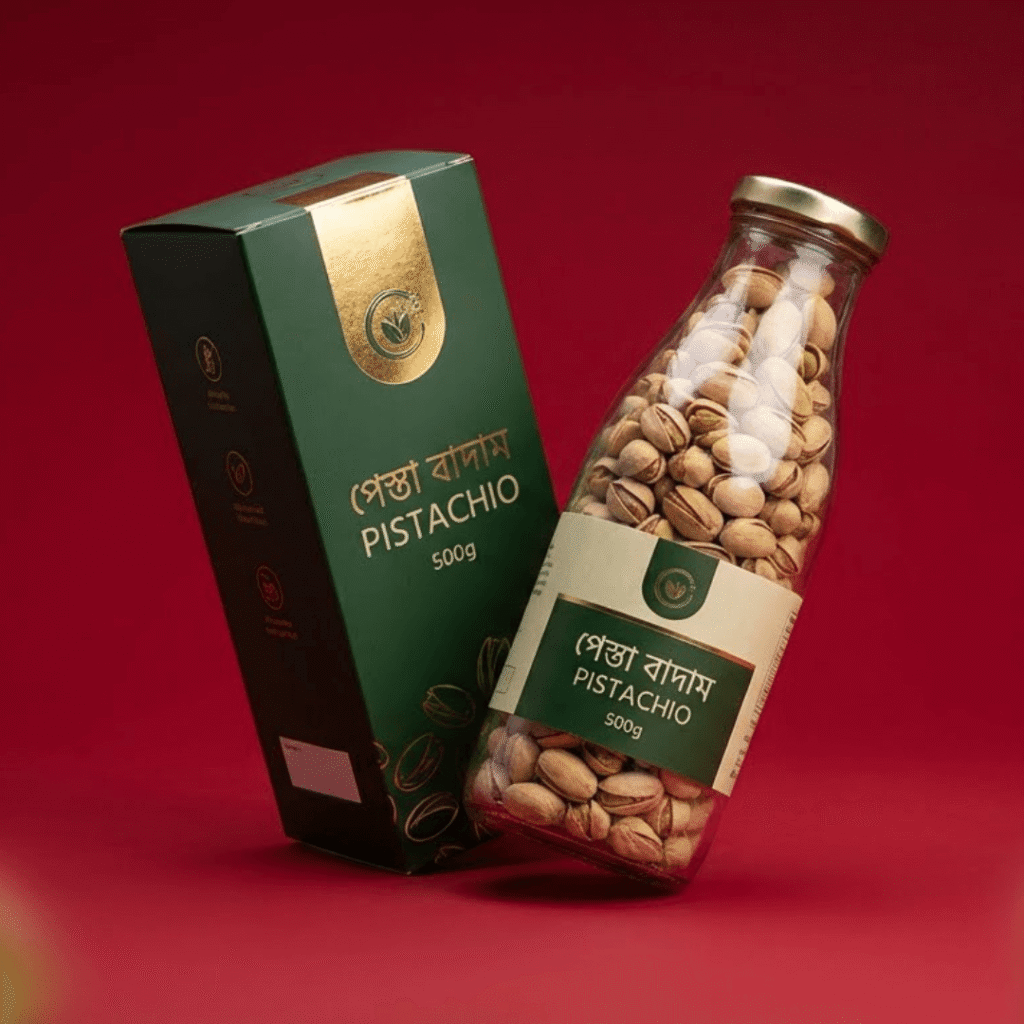 Check 04
খেয়ে দেখা
প্রতি বস্তা থেকে দানা খেয়ে দেখা হয় — তেতো বা বাসি স্বাদ পেলে পুরো বস্তা ফেরত।
- তেতো দানা নেই
- বাসি গন্ধ নেই
১০০%স্বাদ পরীক্ষা- Check 05
সিল করে প্যাকিং
নাইট্রোজেন-ফ্লাশ জিপ-লক প্যাকে সিল — খোলার আগ পর্যন্ত মচমচে।
- জিপ-লক প্যাক
- ব্যাচ নম্বর
৬ মাসমচমচে থাকে


Right Rail Journey Path — Soft Straight
Right rail with soft pastel steps.
How to use: add the Journey Path block and choose rail-right · soft · straight in its style settings
What you can customize in this widget
আচার কম্বো অর্ডার করলে এরপর কী হয়?
অর্ডার বাটনে চাপ দেওয়ার পর থেকে বয়াম হাতে পাওয়া পর্যন্ত — সব ধাপ পরিষ্কার।
- মিনিট ১
অর্ডার ফর্ম পূরণ
নাম, ফোন নম্বর আর ঠিকানা — কোনো অগ্রিম টাকা লাগবে না।
- অগ্রিম পেমেন্ট নেই
- ৩০ সেকেন্ডের ফর্ম
০ টাকাঅগ্রিম 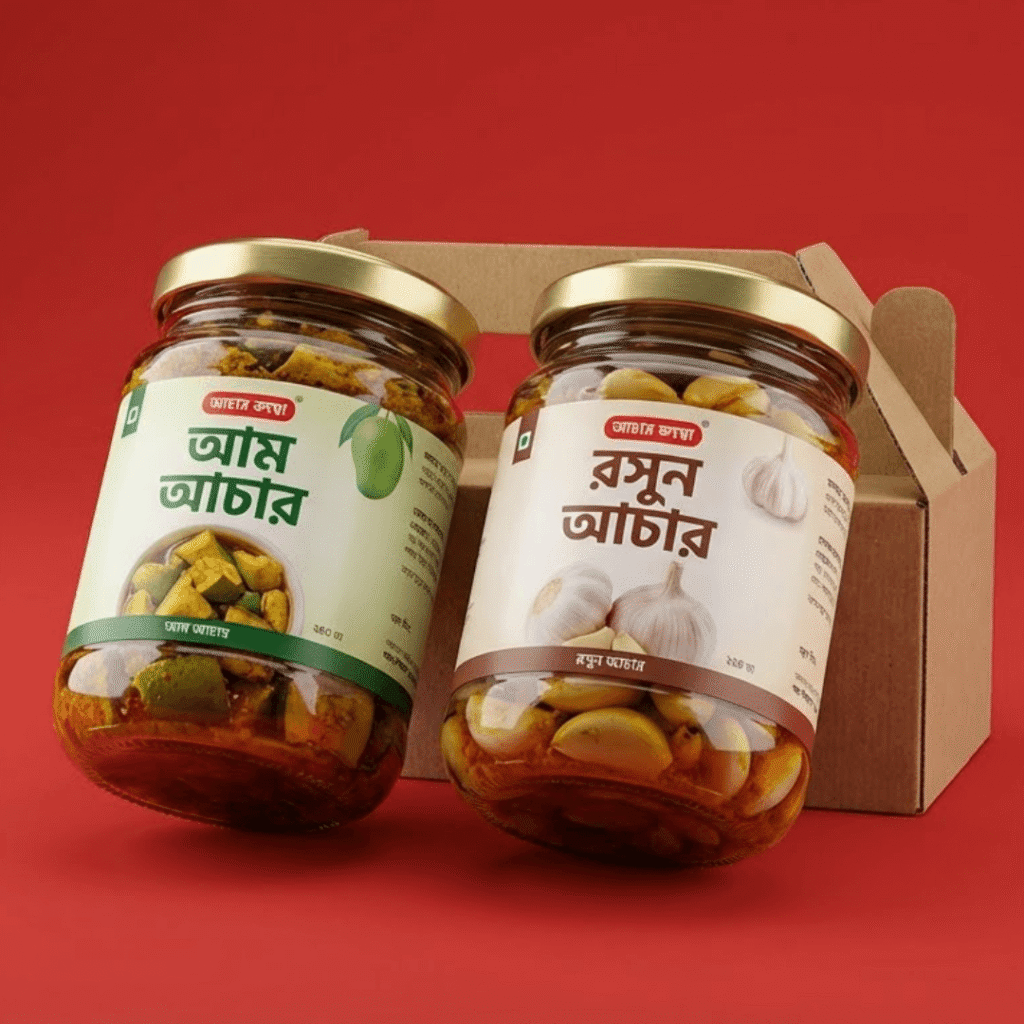 ঘণ্টা ১
ফোনে কনফার্মেশন
আমাদের টিম ফোন করে অর্ডারটা নিশ্চিত করবে — চাইলে তখনও পরিবর্তন করতে পারবেন।
- ফোন কনফার্মেশন
- পরিবর্তনের সুযোগ
১ ঘণ্টাএর মধ্যে কল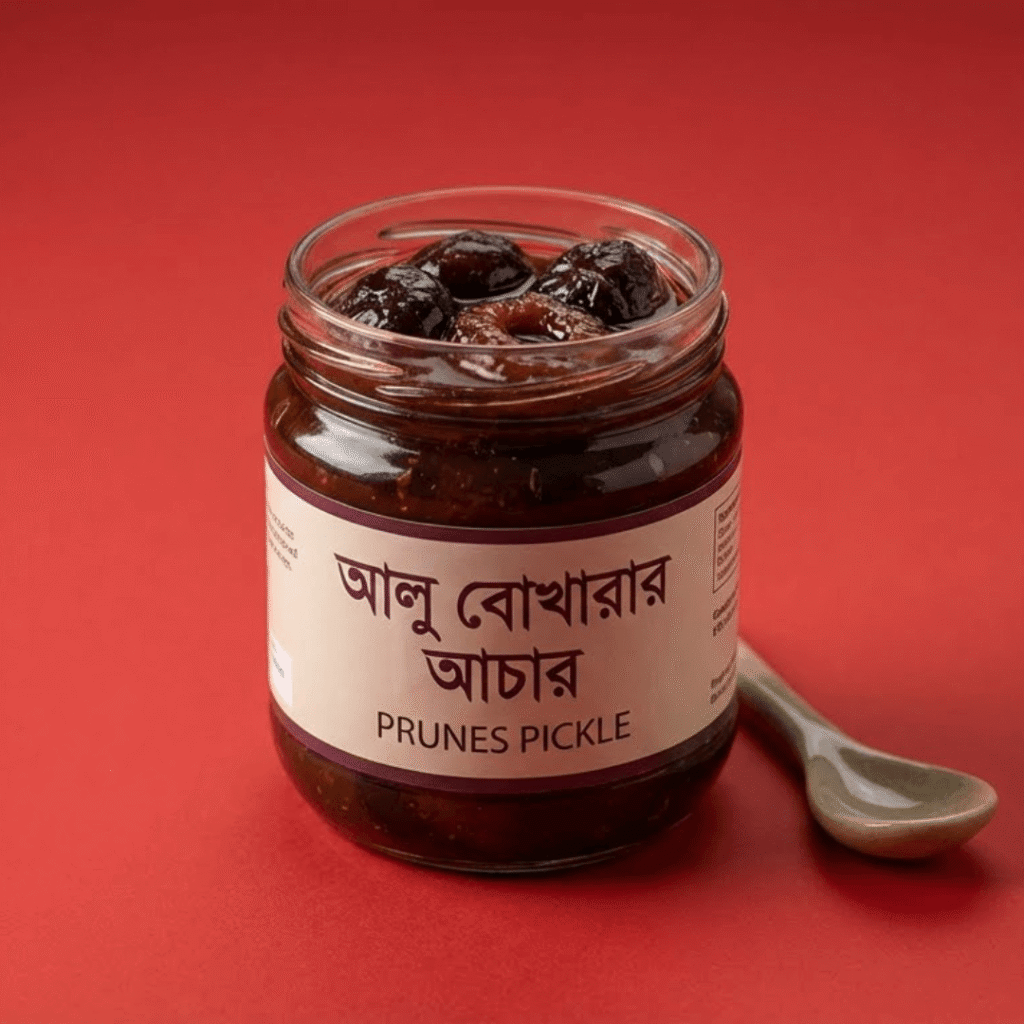 দিন ১
দিন ১তাজা প্যাকিং
অর্ডারের পরেই বয়াম প্যাক — বাবল র্যাপ আর কার্টনে, যাতে পথে না ভাঙে।
- বাবল র্যাপ
- কার্টন বক্স
০টিভাঙা বয়াম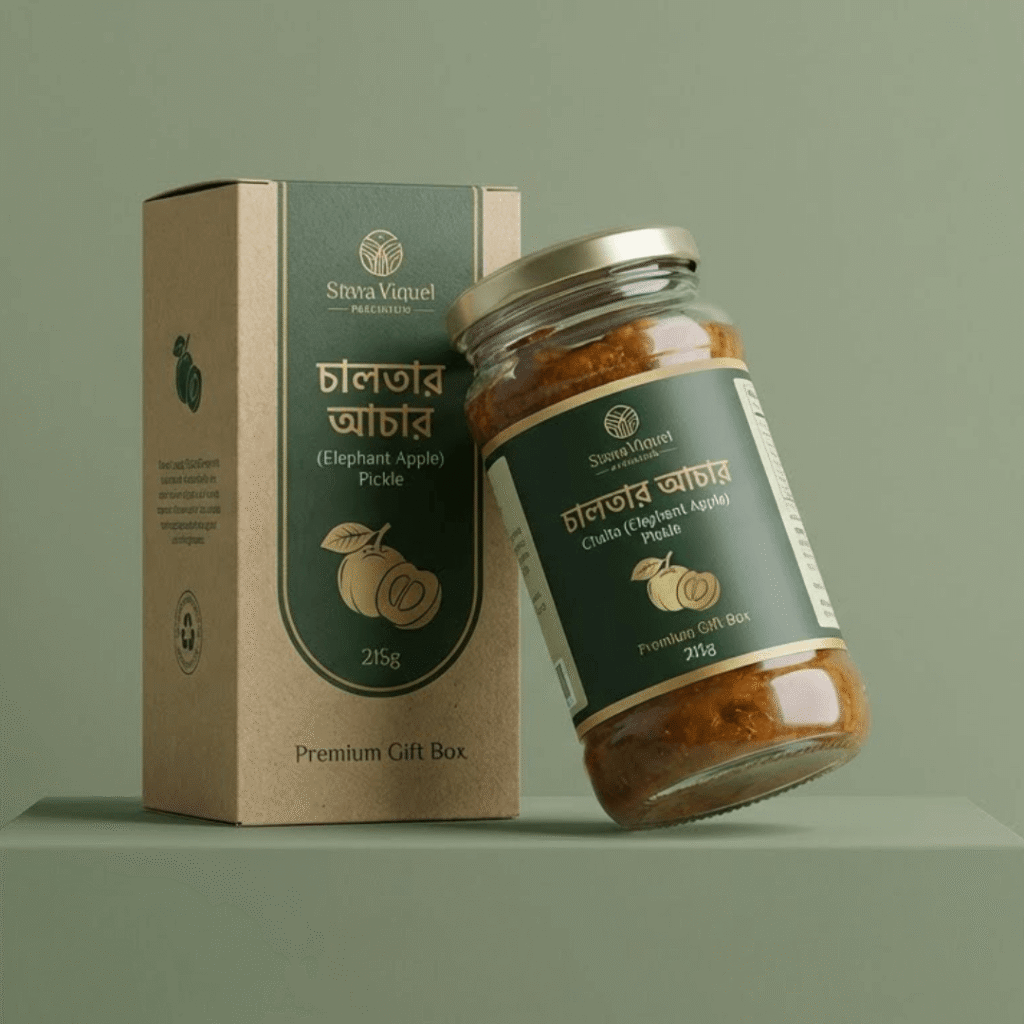 দিন ২–৩
কুরিয়ারে রওনা
স্টেডফাস্ট বা পাঠাও কুরিয়ারে পাঠানো হয়, ট্র্যাকিং নম্বর SMS-এ পাবেন।
- SMS ট্র্যাকিং
- সারাদেশে
২–৩ দিনডেলিভারি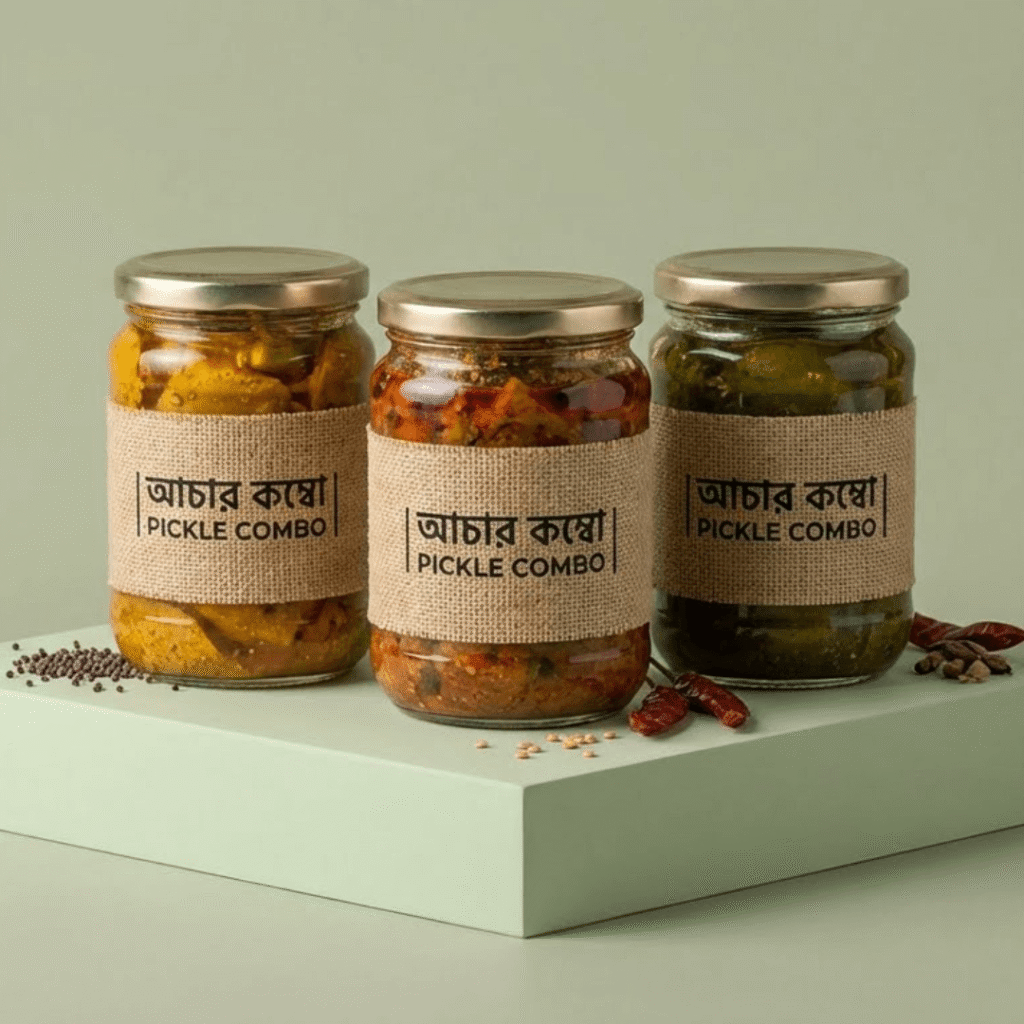 ডেলিভারির দিন
দেখে তারপর পেমেন্ট
বয়াম খুলে ঘ্রাণ নিন, তারপর ডেলিভারি ম্যানকে টাকা দিন।
- ক্যাশ অন ডেলিভারি
- পছন্দ না হলে ফেরত
৭ দিনরিটার্ন সুবিধা


Center Journey Path — Light Wave
Light theme with a wavy center line.
How to use: add the Journey Path block and choose center · light · wave in its style settings
What you can customize in this widget
হলুদ-মরিচ গুঁড়া খাঁটি কিনা, ঘরেই যাচাই করুন
দোকানের কথায় নয় — এই পাঁচটা ছোট পরীক্ষায় নিজেই বুঝে নিন।
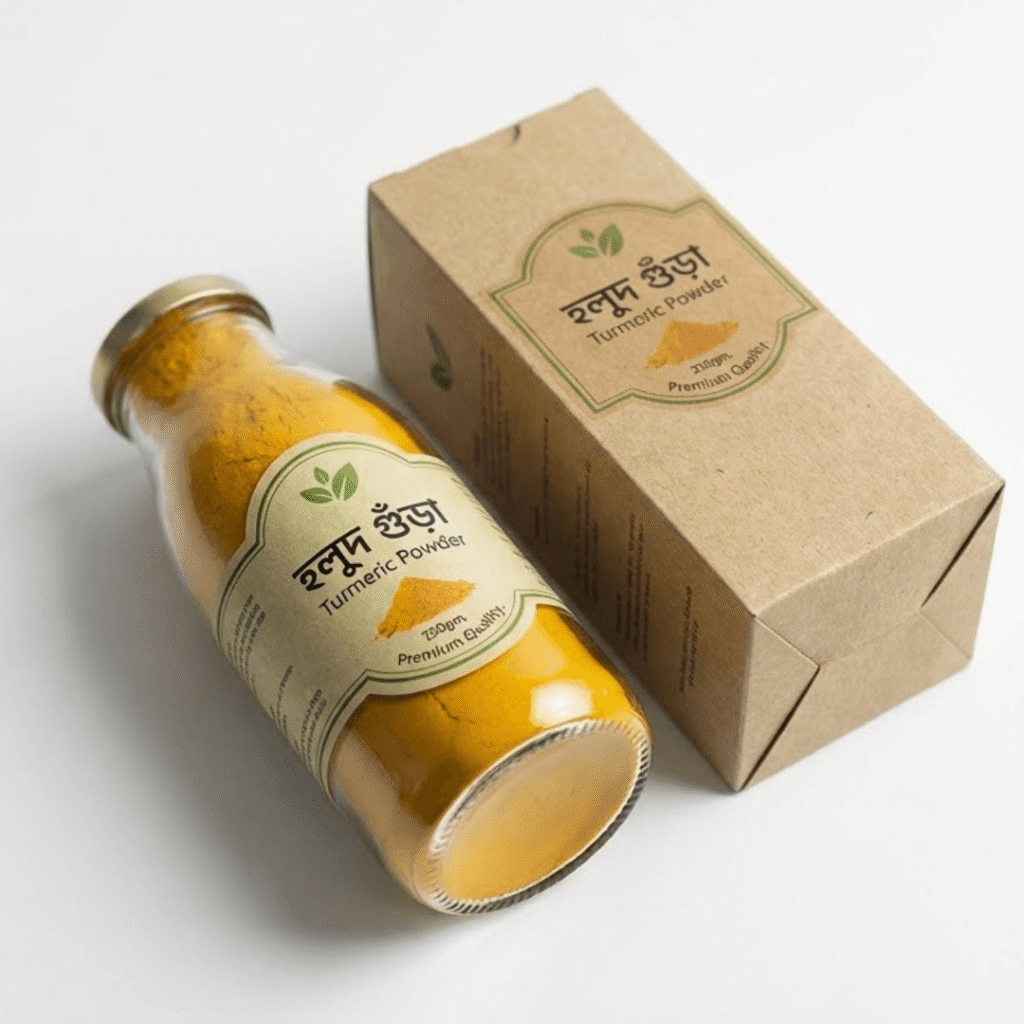 টেস্ট ১
পানির গ্লাসে হলুদ
এক চিমটি হলুদ পানিতে দিন। খাঁটি হলুদ নিচে বসে যায়, রং মেশানো হলে পানি গাঢ় হলুদ হয়।
- নিচে বসলে খাঁটি
- পানি রাঙালে ভেজাল
১ গ্লাসপানি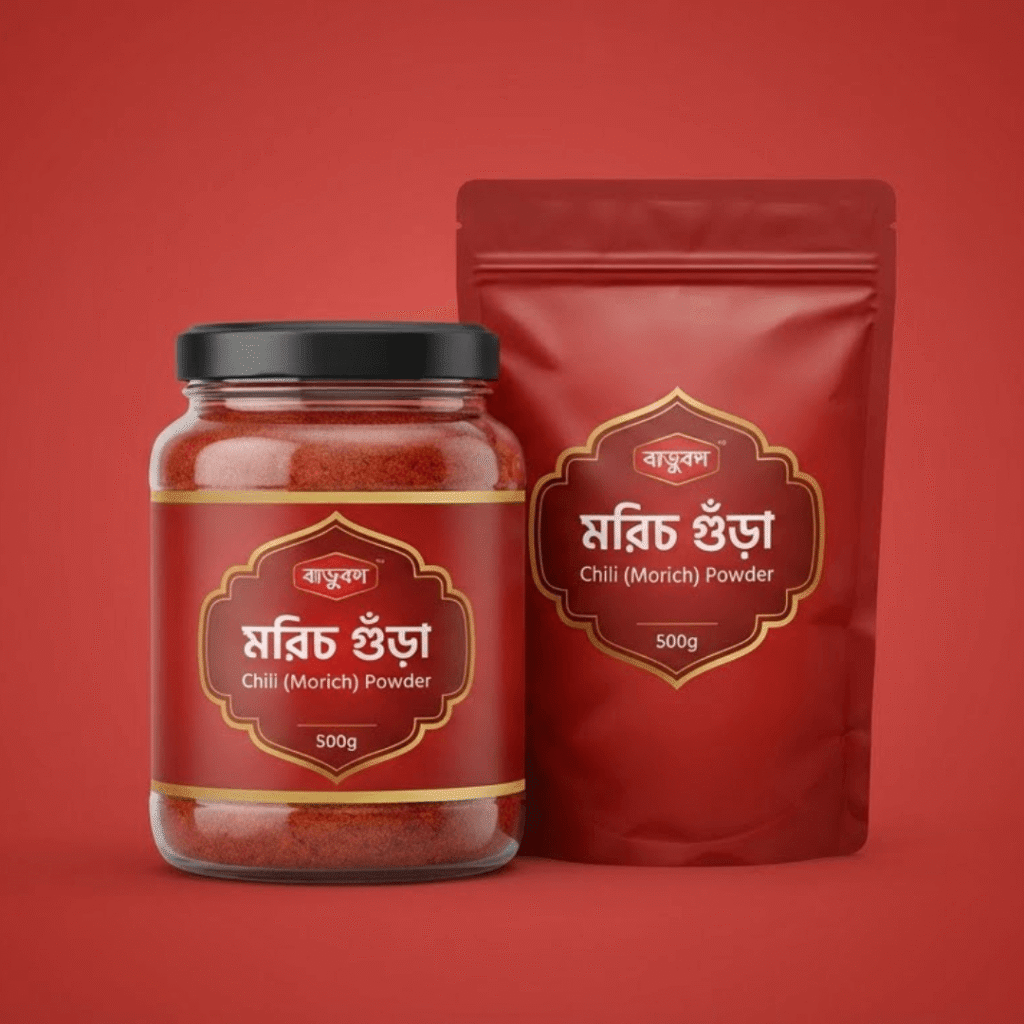 টেস্ট ২
হাতের তালুতে মরিচ
মরিচ গুঁড়া তালুতে ঘষুন। ইটের গুঁড়া মেশানো থাকলে খসখসে লাগবে।
- মসৃণ হলে খাঁটি
- খসখসে হলে ভেজাল
১০ সেকেন্ডপরীক্ষা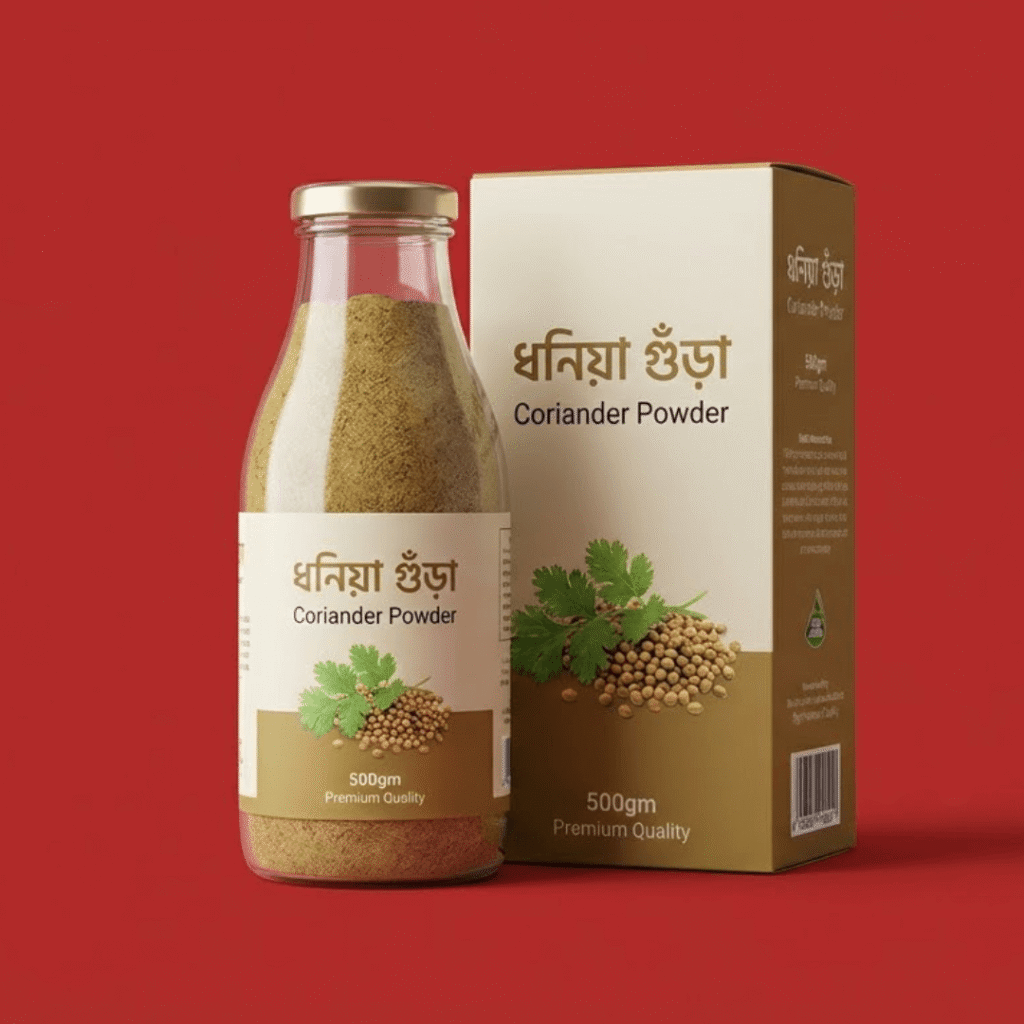 টেস্ট ৩
ধনিয়ার রং দেখুন
খাঁটি ধনিয়া গুঁড়া হালকা বাদামি-সবুজ। বেশি উজ্জ্বল হলে সন্দেহ করুন।
- প্রাকৃতিক রং
- উজ্জ্বল হলে সাবধান
১ নজরযথেষ্ট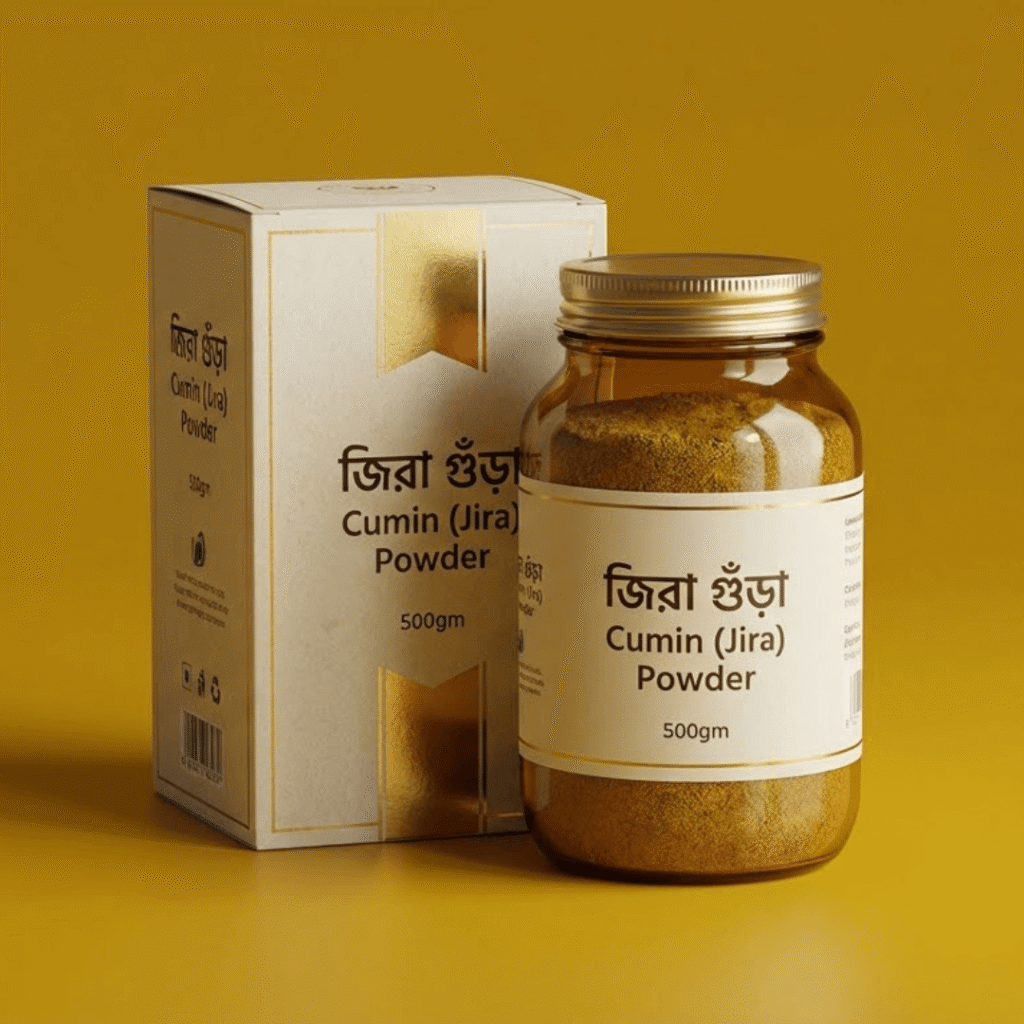 টেস্ট ৪
তেলে ছেড়ে ঘ্রাণ নিন
গরম তেলে এক চিমটি জিরা গুঁড়া দিলেই খাঁটি জিরার ঘ্রাণ পুরো রান্নাঘরে ছড়াবে।
- তীব্র ঘ্রাণ
- পোড়া গন্ধ নয়
৫ সেকেন্ডঘ্রাণ ছড়াতে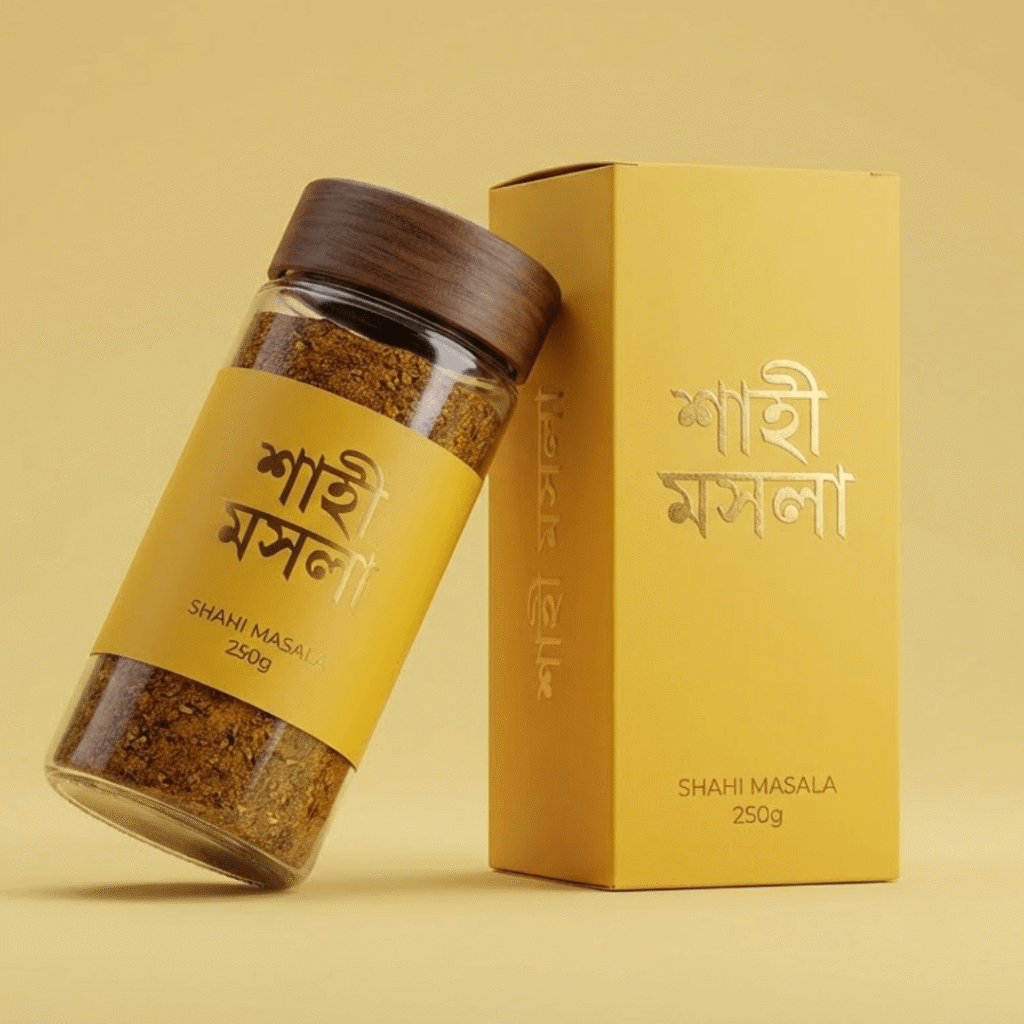 টেস্ট ৫
আমাদের মশলায় চ্যালেঞ্জ
আমাদের যেকোনো মশলায় এই পরীক্ষাগুলো করুন। একটাতেও না টিকলে পুরো টাকা ফেরত।
- মানি-ব্যাক গ্যারান্টি
- কোনো প্রশ্ন নয়
১০০%টাকা ফেরত


Sticky Journey Path — Dark Zig-Zag
Pinned dark path with zig-zag steps.
How to use: add the Journey Path block and choose sticky · dark · zigzag in its style settings
What you can customize in this widget
কালোজিরা মধুর সাথে আপনার একটা দিন
ভোর থেকে রাত — দিনের কোন সময়ে কীভাবে খাবেন, স্ক্রল করে দেখুন।

- ভোর ৬:৩০
খালি পেটে এক চামচ
কুসুম গরম পানিতে এক চামচ কালোজিরা মধু — দিনের শুরুটা হালকা লাগবে।
- কুসুম গরম পানি
- ফুটন্ত পানি নয়
১ চামচসকালে - সকাল ৯টা
নাস্তায় রুটি-মধু
পরোটা বা পাউরুটিতে জ্যামের বদলে মধু — বাচ্চারাও মজা করে খায়।
- জ্যামের বদলে
- বাচ্চাদের টিফিনে
০ গ্রামকৃত্রিম চিনি - বিকেল ৪টা
ক্লান্তির সময় চা
চায়ে চিনির বদলে আধা চামচ মধু — বিকেলের ঝিমুনি কাটবে।
- চিনির বদলে
- আধা চামচ যথেষ্ট
½ চামচচায়ে  সন্ধ্যা ৭টা
হলুদ-মধুর দুধ
গরম দুধে হলুদ আর এক চামচ মধু — শীতের সন্ধ্যায় আরাম।
- হলুদের সাথে
- দুধ একটু ঠান্ডা হলে
১ গ্লাসদুধ- রাত ১০টা
ঘুমের আগে
আধা চামচ মধু — সারাদিন শেষে মিষ্টি একটা বিরতি।
- অল্প পরিমাণে
- ব্রাশের আগে
৩০দিনের অভ্যাস
Alternate Journey Path — Gradient Steps
Alternating steps with gradient highlights.
How to use: add the Journey Path block and choose alternate · gradient · steps in its style settings
What you can customize in this widget
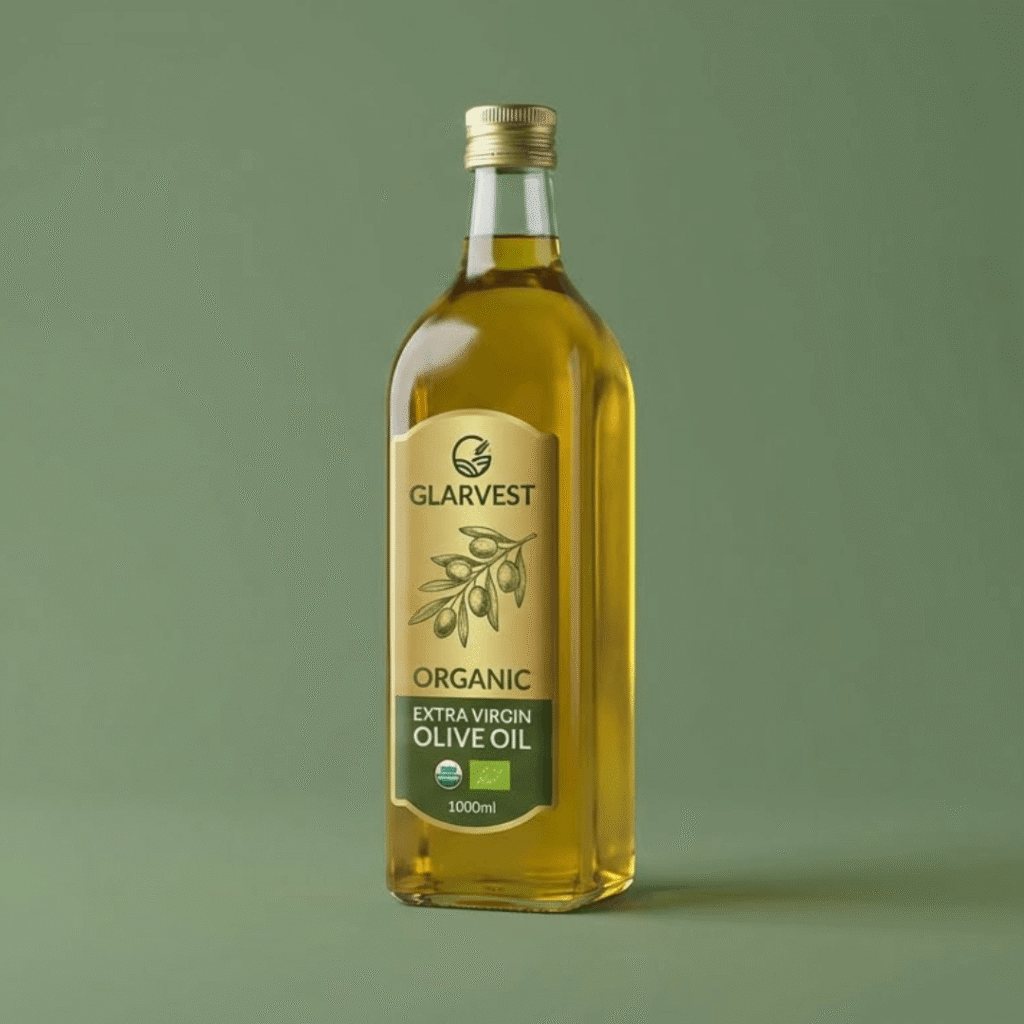
এক্সট্রা ভার্জিন অলিভ অয়েল — প্রথম চাপের তেল
কেন এক্সট্রা ভার্জিন আলাদা, আর কীভাবে তা আপনার বোতলে আসে — এক নজরে।
 01 — বাগান
পাহাড়ি অলিভ বাগান
রোদ-ঝলমলে পাহাড়ি বাগানের জলপাই — রাসায়নিক সার ছাড়া অর্গানিক চাষ।
- অর্গানিক সার্টিফায়েড
- হাতে তোলা ফল
১০০%অর্গানিক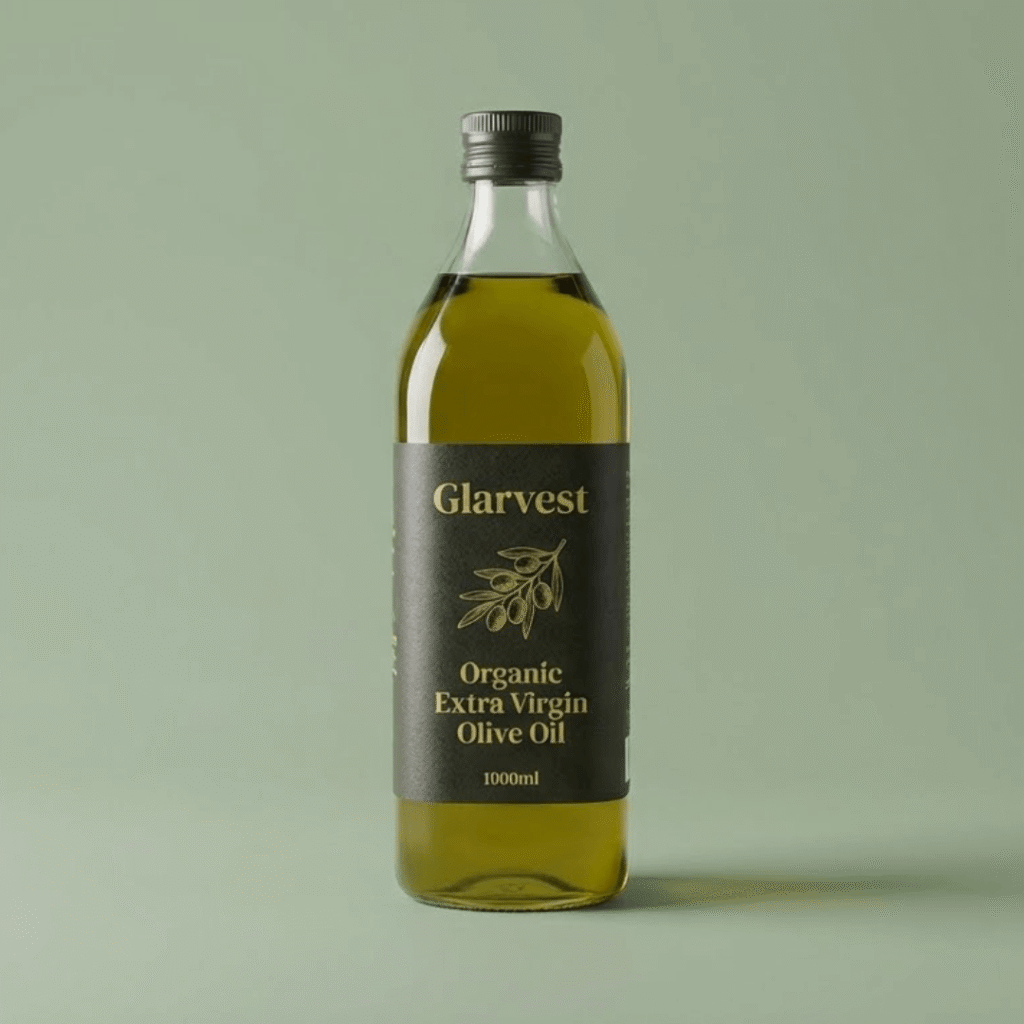 02 — ২৪ ঘণ্টা
তোলার দিনেই চাপ
জলপাই তোলার ২৪ ঘণ্টার মধ্যেই চাপ দেওয়া হয়, তাই অ্যাসিডিটি থাকে খুব কম।
- একদিনের মধ্যে প্রেস
- টাটকা ফল
০.৮%এর নিচে অ্যাসিডিটি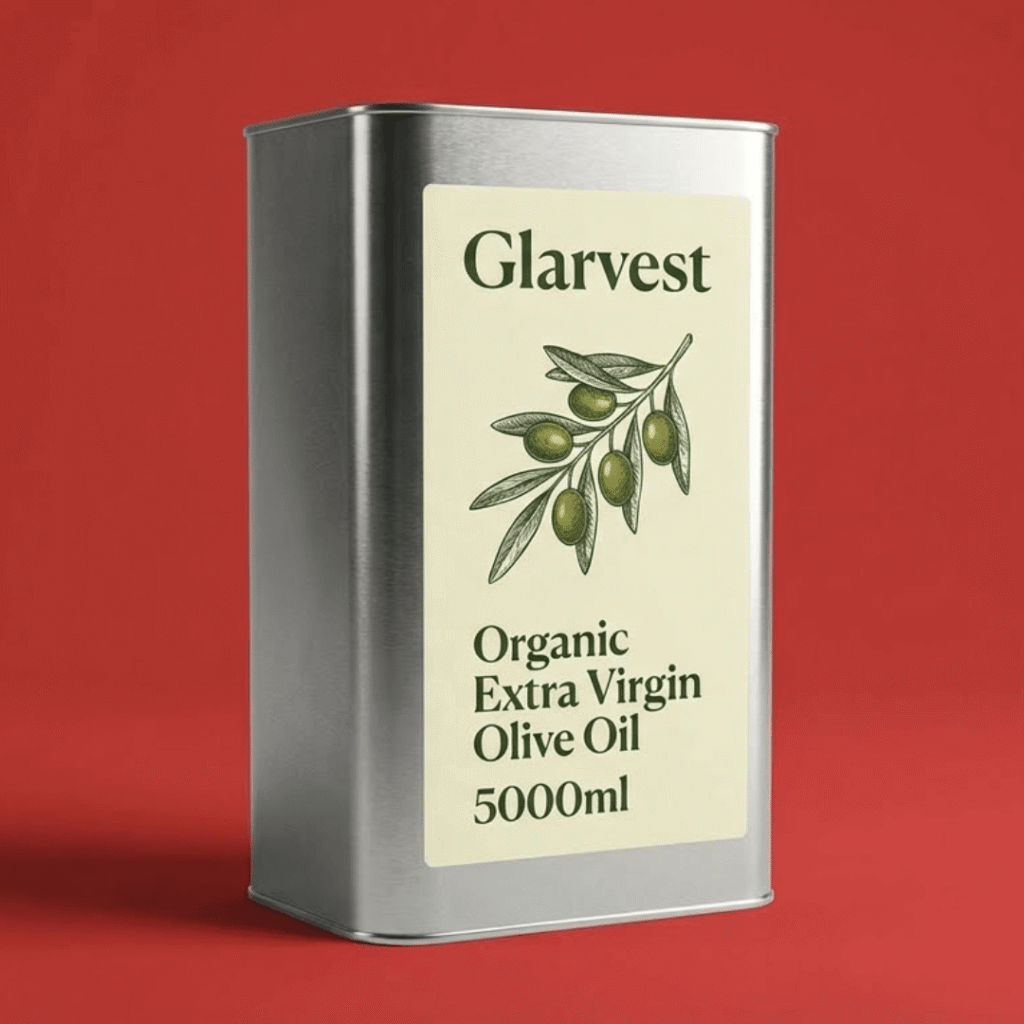 03 — প্রথম চাপ
কোল্ড এক্সট্রাকশন
প্রথম চাপের তেলই এক্সট্রা ভার্জিন — তাপ বা কেমিক্যাল ছাড়া।
- ২৭° এর নিচে
- প্রথম চাপ
১মচাপের তেল- 04 — তুলনা
পোমেস বনাম এক্সট্রা ভার্জিন
পোমেস রান্না-ভাজায় ভালো, এক্সট্রা ভার্জিন সালাদ আর কাঁচা খাওয়ায়। দুটোই আমাদের কাছে।
- রান্নায় পোমেস
- সালাদে এক্সট্রা ভার্জিন
২ধরনের তেল 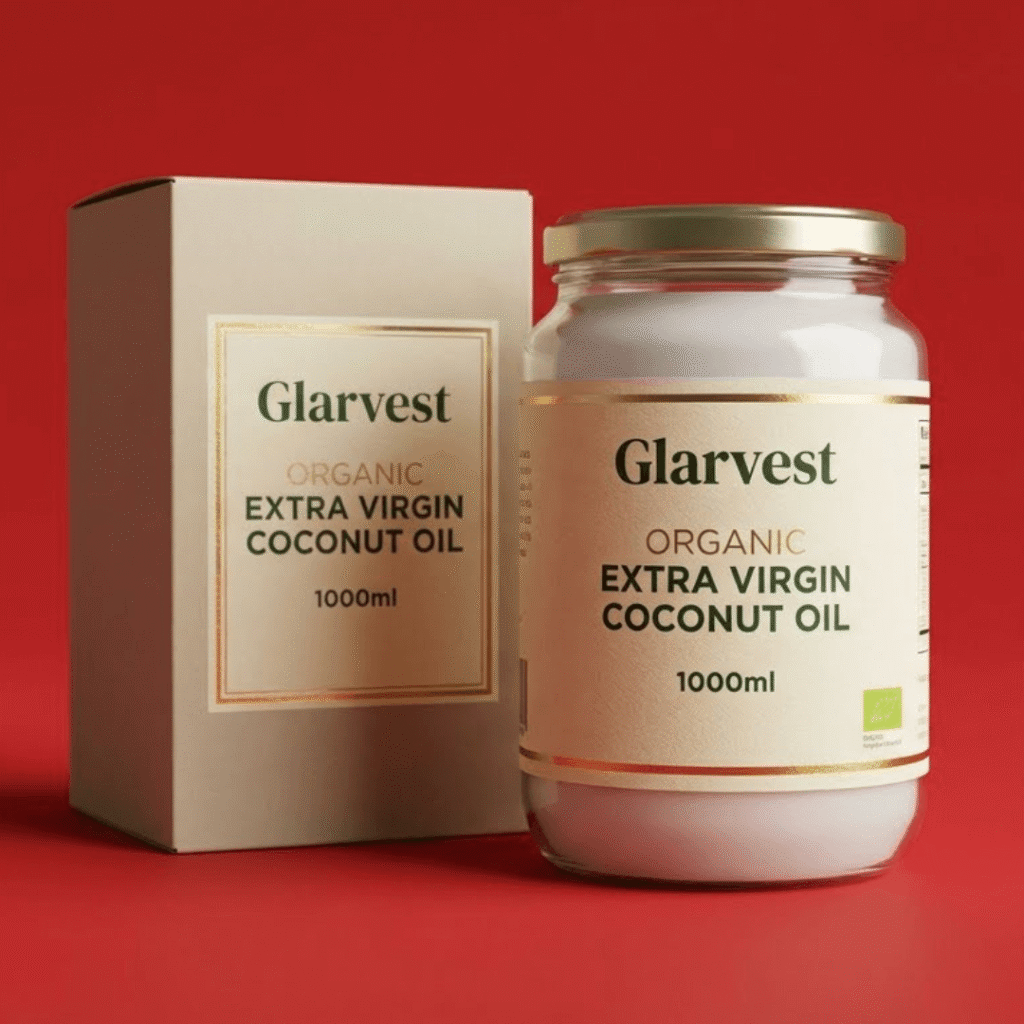 05 — রান্নাঘর
আপনার টেবিলে
কাচের বোতলে সিল করা, গাঢ় রঙে আলো ঢোকে না — শেষ ফোঁটা পর্যন্ত টাটকা।
- ডার্ক গ্লাস বোতল
- ক্যাশ অন ডেলিভারি
৫০০ মি.লি.বোতল


Split Journey Path — Outline Straight
Clean split layout with outline style and straight line.
How to use: add the Journey Path block and choose split · outline · straight in its style settings
What you can customize in this widget
খেজুর ও বাদামের প্যাক — ইফতার থেকে সেহরি
মেজুল খেজুর আর মিক্সড বাদাম — পুরো রোজার দিনটায় কখন কোনটা কাজে লাগে।
- সেহরি
৩টি খেজুর + এক মুঠো বাদাম
ধীরে হজম হয় বলে সারাদিন পেট ভরা লাগে, ক্লান্তি কম আসে।
- ধীরে হজম
- দীর্ঘ এনার্জি
৩টিখেজুর 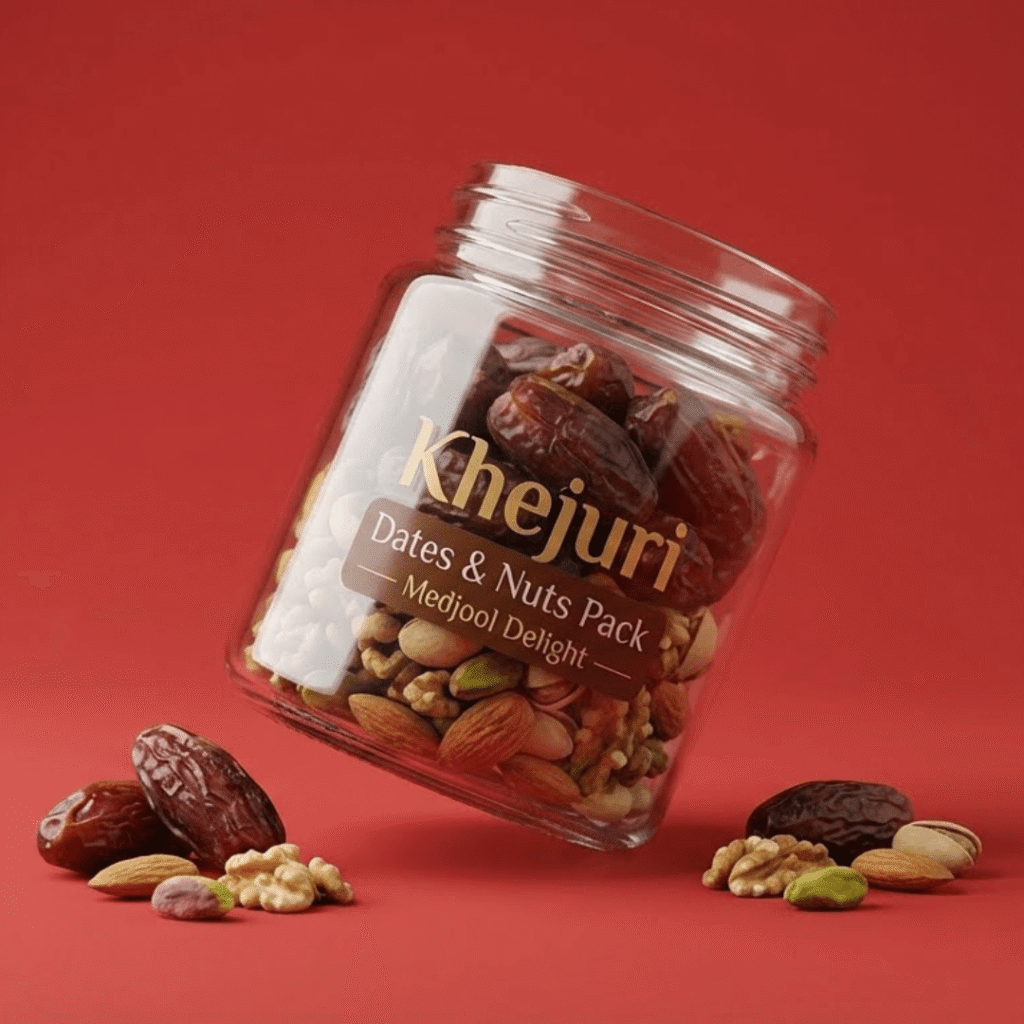 দুপুর
দুপুরপানি না খেয়েও চাঙ্গা
সেহরির বাদামের প্রোটিন আর ভালো ফ্যাট দুপুরের ঝিমুনি কমায়।
- প্রোটিন ও ফাইবার
- ভালো ফ্যাট
৬ ঘণ্টাএনার্জি- ইফতার
খেজুর দিয়ে রোজা ভাঙা
সুন্নত মেনে খেজুরে ইফতার — প্রাকৃতিক চিনি দ্রুত শক্তি ফেরায়।
- সুন্নতি ইফতার
- প্রাকৃতিক মিষ্টি
মেজুলডিলাক্স খেজুর - রাত
দুধে ভেজানো কাঠবাদাম
রাতে ৫টি কাঠবাদাম দুধে ভিজিয়ে রাখুন — সকালে খোসা ছাড়িয়ে খান।
- ভিজিয়ে খাওয়া
- বাচ্চা-বুড়ো সবার জন্য
৫টিকাঠবাদাম 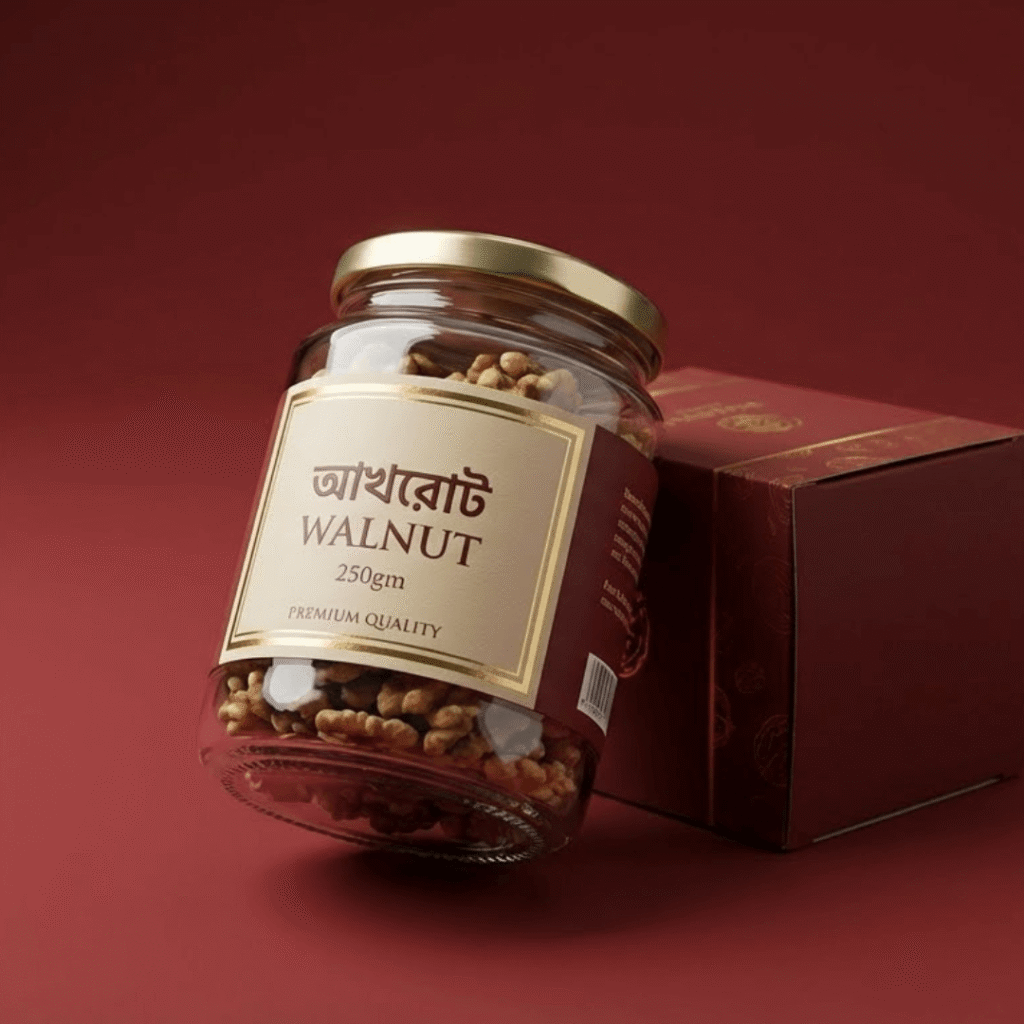 ঈদ
ঈদমেহমানের প্লেটে
বাকি বাদাম আর খেজুর দিয়ে ঈদের দিনে মেহমানদারি — দেখতে সুন্দর, খেতে স্বাস্থ্যকর।
- সুন্দর প্যাকেজিং
- উপহারেও দেওয়া যায়
৩০দিনের প্যাক

